
What it produces
Every page below was built entirely in the chat, with no hand-written code. Open any of them and see how it works.
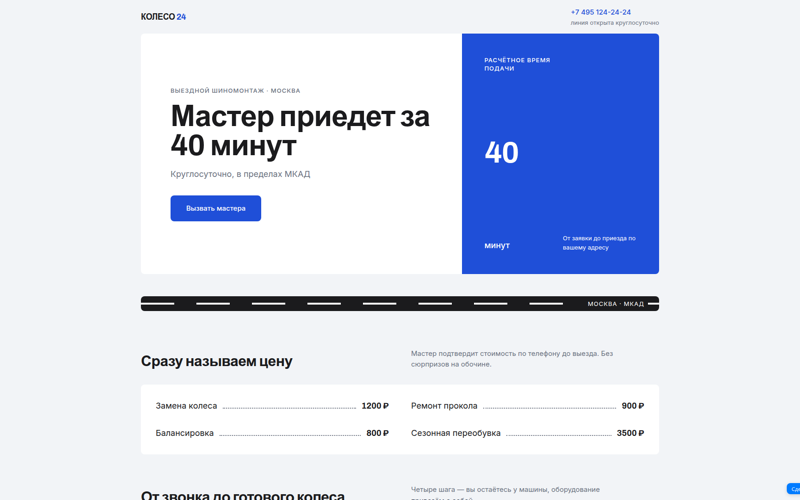
Mobile tyre service landing
Hero with a call button, price list, how the visit goes and a validated request form.
Open the example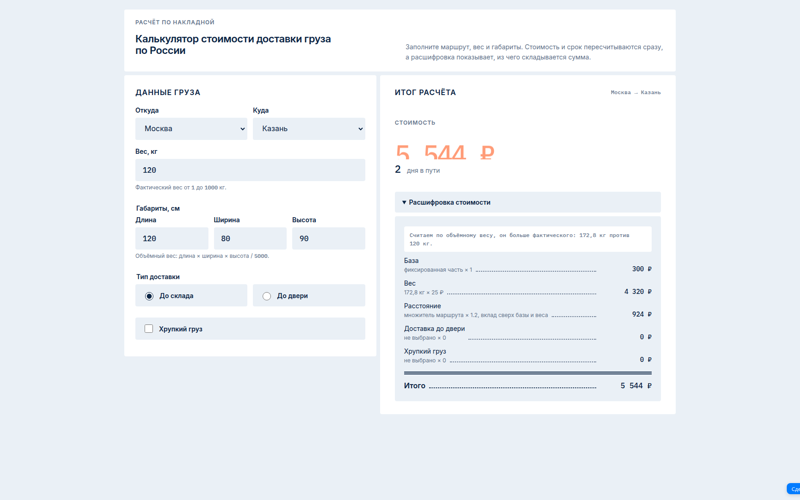
Shipping cost calculator
Works out price and delivery time from cities, weight and dimensions. Live recalculation with a line-by-line breakdown.
Open the example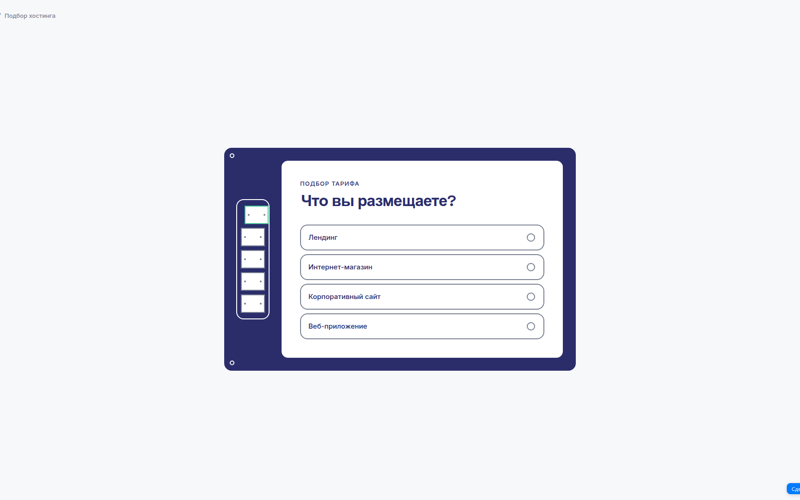
Hosting plan quiz
Five questions with a progress bar, scoring and a recommended plan at the end.
Open the example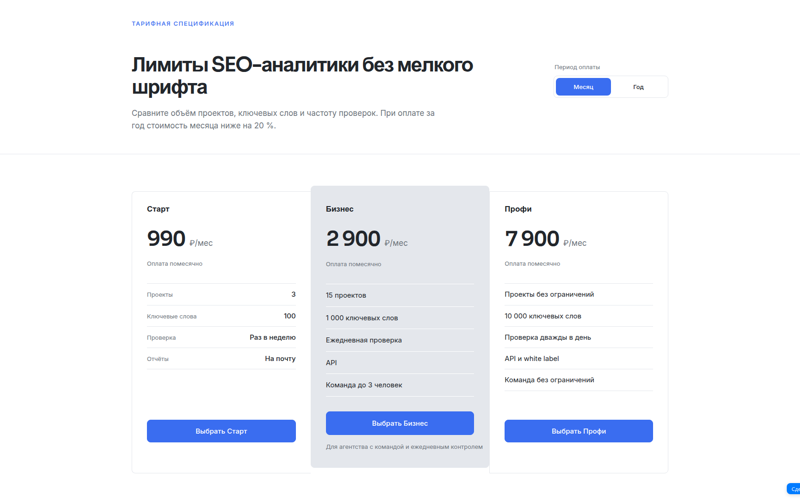
Pricing page
Monthly and yearly toggle with a discount, a feature comparison table and an FAQ block.
Open the example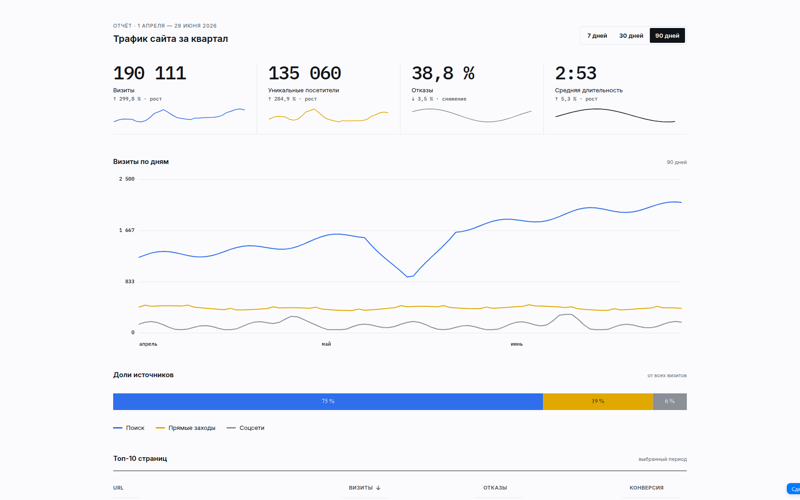
Traffic report
Metric tiles, a line chart and a pie chart drawn on canvas, plus a sortable pages table.
Open the example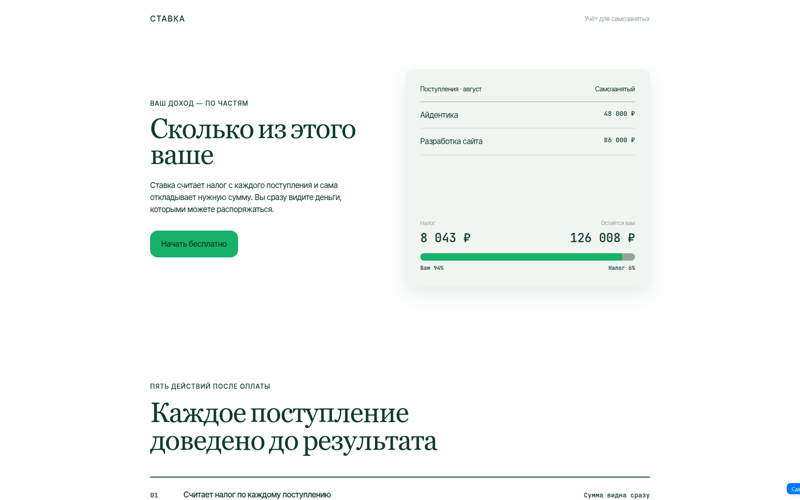
Freelancer tax tracker
A calculation on the first screen: tax per payment, a "yours vs tax" bar and five steps after payment.
Open the example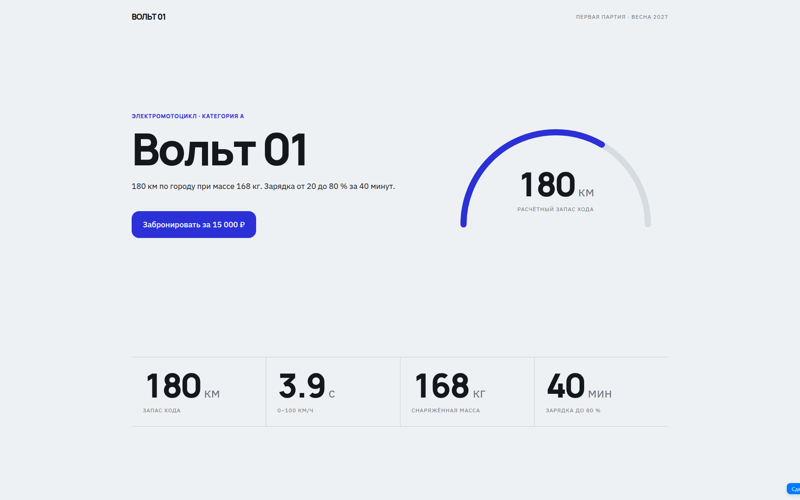
Electric motorcycle launch
Big spec numbers, a range gauge and a pre-order button with the price.
Open the example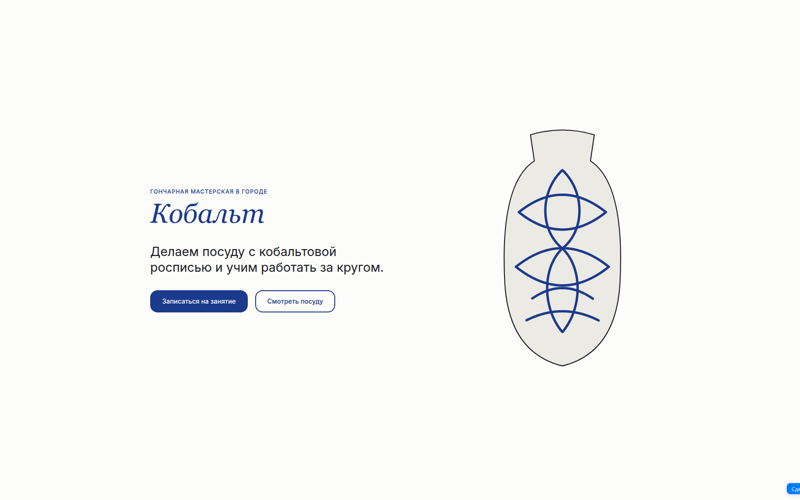
Pottery studio website
A serif heading, an SVG vase and two buttons: book a class or browse the catalogue.
Open the example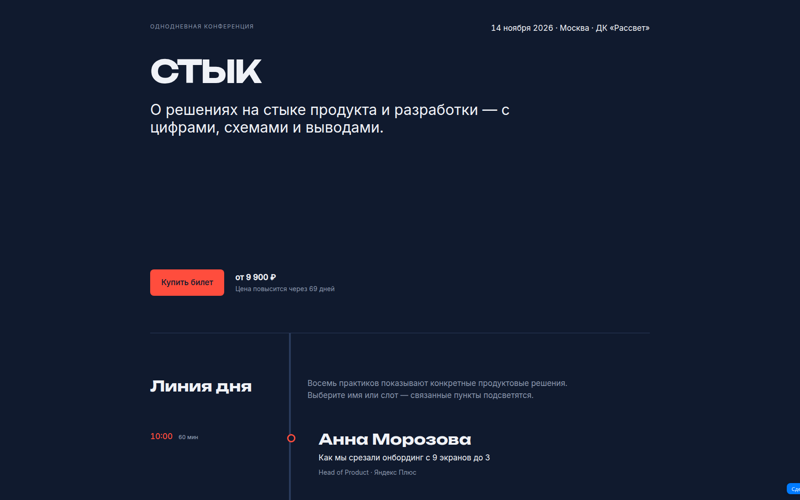
Conference promo
Dark theme, a day schedule that highlights related talks and a ticket with a price deadline.
Open the example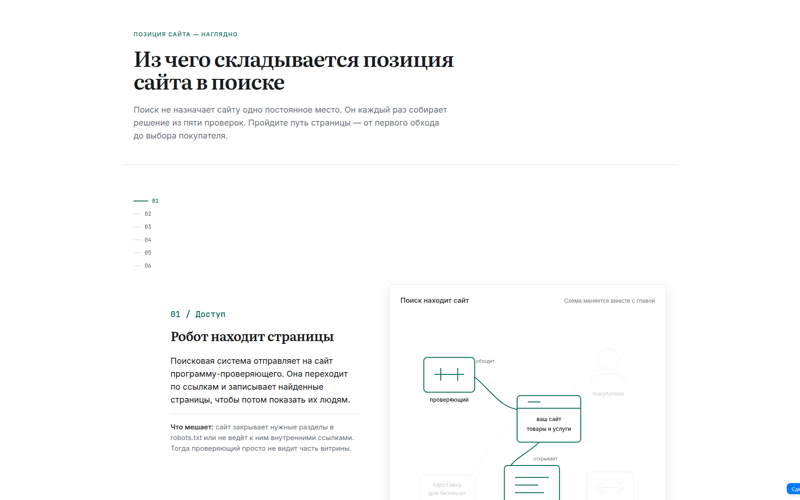
Animated explainer
Six steps on how search ranks a site. The diagram on the right rebuilds as you scroll.
Open the example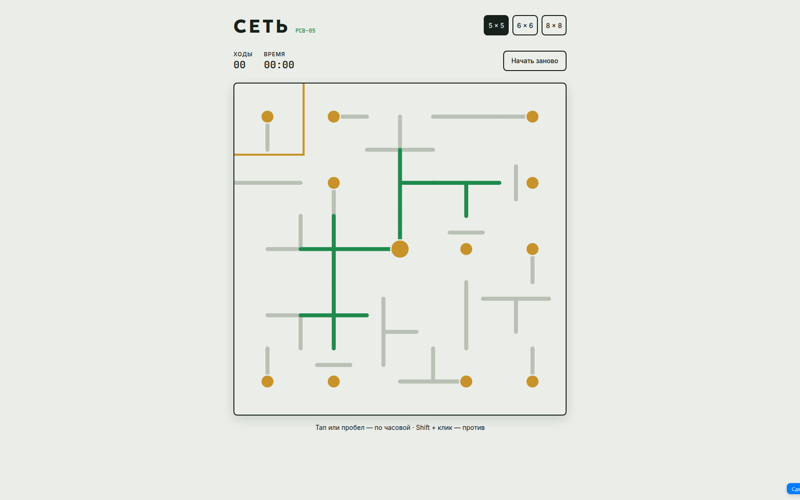
Network puzzle game
Rotate the wires to connect a single circuit: three board sizes, a move counter and a timer.
Open the example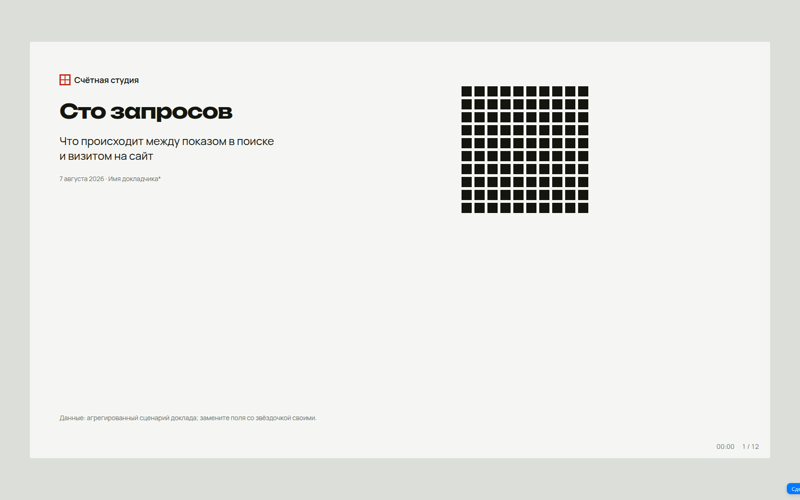
A 12-slide presentation
The "One hundred queries" talk: a hundred-square waffle chart, a speaker timer and a slide counter.
Open the example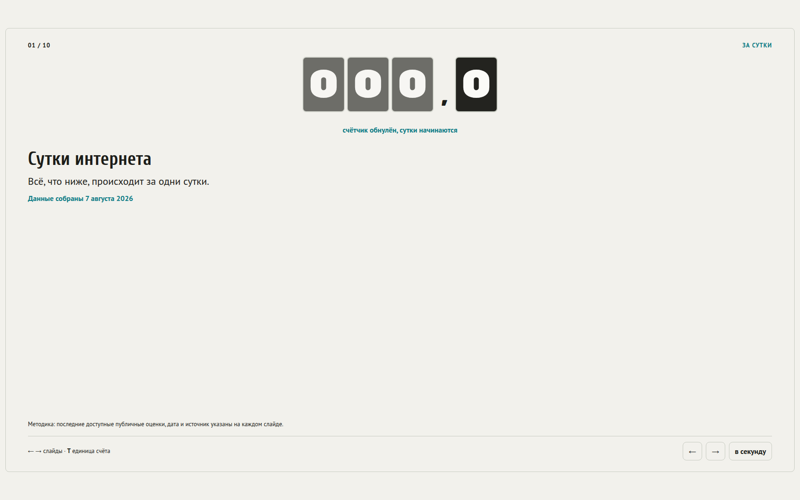
"A day of the internet" slides
Ten slides on what happens online in 24 hours: a flip counter, a per-second mode and data sources.
Open the exampleWhat is vibe coding
Vibe coding is an approach where you build a website without writing code: you describe the task in plain words and an AI writes the code. The term was coined in 2025 by Andrej Karpathy, a co-founder of OpenAI. Instead of learning HTML and CSS you say what you want, look at the result and ask for changes — like texting a developer.
In PR-CY vibe coding runs right in the browser: no code editor to install, no separate AI subscription, no hosting to set up. The page is built in the chat, stored in your account and opens by a public link. That is how the examples above were made — landing pages, calculators, quizzes, pricing pages and reports.
What vibe coding in PR-CY can do
Edits in plain words
Say "make the button green and add a reviews block". The assistant applies the change and shows the result.
Preview next to the chat
The page refreshes after every edit. You see the result before publishing.
Version history
The last 10 versions are kept. Pin a good one so new edits do not push it out, and roll back any time.
Public link
A published version opens without signing in. You can keep up to 10 published versions at once.
HTML export
Download an archive with index.html and host the page yourself.
Up to 1000 pages per account
Every page sits in My Artifacts: open, rename or delete it.
How to create a website with AI: four steps
Describe the task
Tell the chat what the page is, who it is for and what style it needs. You can start from a ready example.
Check the preview
The assistant writes the HTML and opens the page next to the chat.
Ask for edits
Every edit is saved as a new version. Rolling back to the previous one takes one click.
Publish or download
Send the client a link or take the HTML archive to your own hosting.