
Face swap on photo
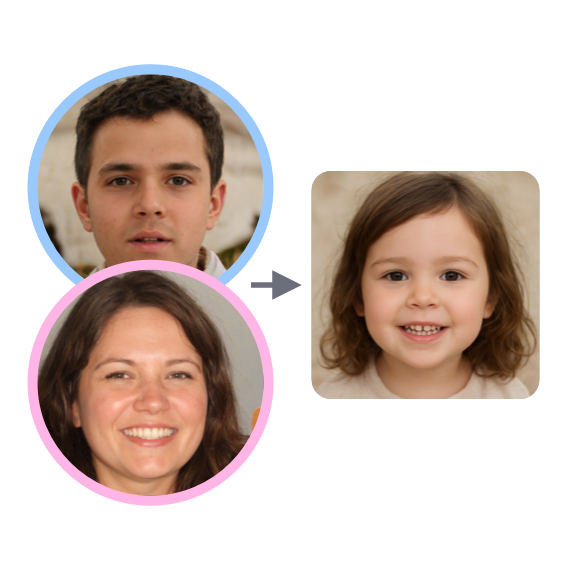
Upload two photos: the one where you want to replace the face, and the one from which to take it. The neural network will do the rest.
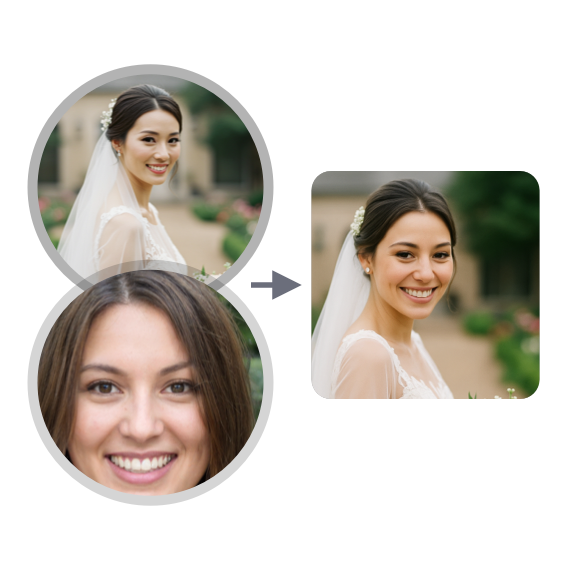
Work examples
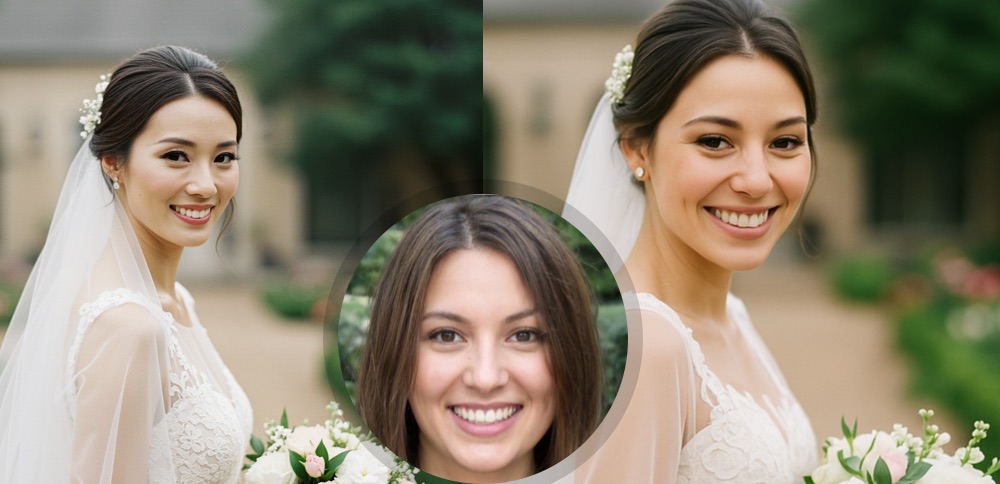
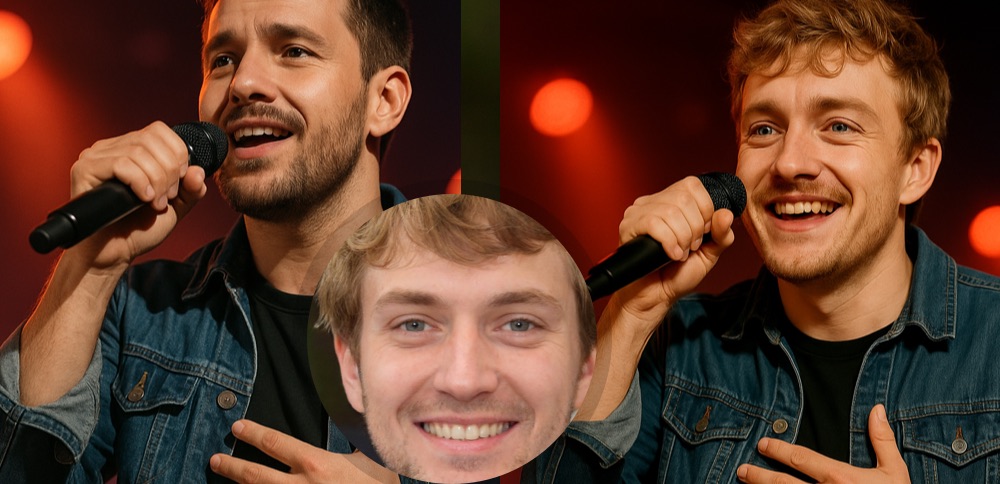
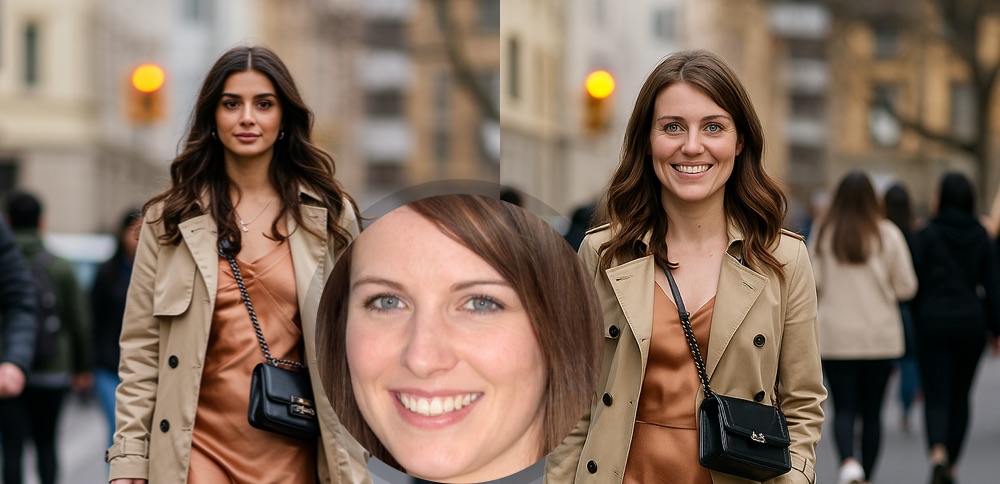
Face Swap on Photos with AI
Swap faces on photos with friends, colleagues, or anyone! Our tool uses advanced neural networks to make face swapping quick and high-quality.
What You Get
- Fast Results: Get a ready photo with a swapped face in seconds.
- High Quality: The neural network seamlessly integrates the new face, considering lighting and colors.
- Ease of Use: No complex editors - just upload two photos.
- Try for Free: Start creating funny and creative photos right now.
How It Works
- Upload the Original Photo: Choose the image where you want to replace the face (formats JPG, PNG, WEBP up to 5 MB).
- Upload the Photo with the Face: Choose the image with the face you want to use.
- Click "Swap Faces": AI will do all the magic for you.
- Download the Result: Save the finished image.
What It Can Be Used For
For Fun: Create funny collages with friends.
For Content: Make unique memes and creatives for social media.
For Experiments: See how you'd look with a different hairstyle or in another photo.
No Limits: Your imagination is the only limit!
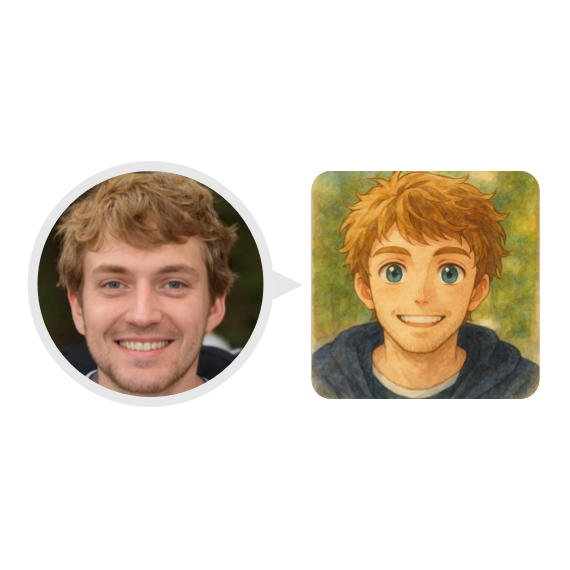
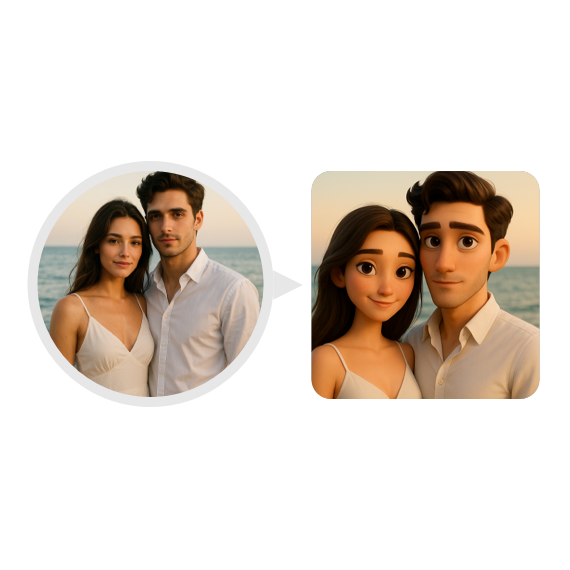
How to create Ghibli-style photos?
Select the GPT Image generation model and upload your photo.
Choose the desired size, image quality, and click the "Create Image" button.
Receive the finished image within seconds and download it.

🍪 By using this website, you agree to the processing of cookies and collection of technical data to improve website performance in accordance with our privacy policy.