
SEO URL Optimization: Which Link Addresses Matter for Promotion
Brief Summary
A good URL briefly explains the topic of the page, contains no unnecessary parameters or dates, uses hyphens between words, opens via HTTPS, and does not create duplicates. For promotion, a clean structure matters: one clear address for one page, proper redirects, canonical tags for duplicates, and readable, human-friendly URLs.
Who should read this article:
- SEO specialists and marketers who are building a site structure or improving snippet CTR;
- editors and content managers who create slugs for articles, product pages, and categories;
- website owners, online stores, and services where filters, sorting options, and UTM tags can create duplicate pages.
URLs are important for SEO: they affect how search engines perceive a page and how users respond to it. Brian Dean, an international SEO expert from Backlinko, created a guide to SEO-friendly URLs — “SEO Friendly URLs” — where he collected recommendations based on his experience. We adapted and expanded it with up-to-date recommendations for Google.
Why URLs Affect SEO, CTR, and Page Indexing
In Google search results, the page address is displayed as a domain, path, or “breadcrumbs” under the title. Search engines use page URLs — along with the title, headings, anchors, and text — to understand the topic of a document and its place in the site structure. Simple URLs communicate meaning better both to search engines and to people.
Descriptive categories and file names help organize content and create convenient human-readable URLs — addresses that are easier to link to. Long links with unclear characters can discourage users, and the click-through rate of a snippet with such a link is usually lower.
For example, the URL “http://en.wikipedia.org/wiki/Aviation” for an article about aviation looks more appealing than “http://www.example.com/index.php?id_sezione=360&si....”.
Google can crawl even complex URL structures, but that is not a reason to make addresses complicated. Google Search Central guidelines clearly state that URLs should be stable and understandable, while avoiding endless combinations of parameters.
FAQ Section
Does a URL directly affect rankings?
A short address by itself does not guarantee ranking growth. But a clear URL helps search engines, reduces the risk of duplicates, and makes the snippet clearer.
What is a human-readable URL?
A human-readable URL is an address where the words show the topic of the page, for example /seo-url/, rather than /index.php?id=123.
Should old URLs be changed for SEO?
Only if the address interferes with indexing, creates duplicates, or is completely unclear. When changing an address, you need a 301 redirect from the old URL to the new one.
How Search Engines Perceive URLs and What a Page Address Consists Of
A link address is divided into several separate sections: protocol://hostname/path/filename?querystring#fragment. For example: https://www.example.com/RunningShoes/Womens.htm?size=8#info.
Google recommends that all websites use https:// whenever possible. The hostname is where your website is hosted; usually, the same domain name is used as for email.
Different URL Versions
Search engines distinguish between the versions www.example.com and example.com, as well as between http:// and https://. In Google Search Console, you can add a domain property that covers subdomains and protocols, but the site still needs one primary URL version and properly configured 301 redirects.
URL Case Sensitivity
Case does not matter in the hostname or protocol. The path, filename, and query string are case-sensitive because they determine access to the server. FILE in a URL will be different from file.
The Slash “/” in a URL
When accessing the homepage, the slash after the hostname does not matter: https://example.com/ is the same as https://example.com, and the content is identical. But for the path and filename, a slash makes it a different URL: for example, https://example.com/fish indicates a file, while https://example.com/fish/ indicates a directory.
Recommendations for writing URLs are available in the Google Search Central documentation: “Google Search URL Structure Guidelines.”
FAQ Section
What is more important in a URL: the domain or the path?
Both elements are important. The domain is responsible for recognition and trust, while the path shows the section and topic of a specific page.
Are www and non-www different?
Yes, technically they are different hosts. Choose the primary version and set up a redirect so that one page does not open at multiple addresses.
Do you need a slash at the end of a URL?
The main thing is to stay consistent. If a page is accessible both with and without a slash, choose the canonical version and redirect the other one to the primary URL.
Optimized URLs and SEO-Friendly URLs: What Matters for SEO in Google
We’ll explain the rules that help you create optimized URLs: from choosing a key phrase to handling parameters and duplicates.
Add the keyword to the slug without over-optimization
The URL should contain the target keyword you want the page to rank for. For SEO, this is not the most important factor, but a good slug confirms the page topic and makes the address clearer in search results, messengers, and analytics reports.
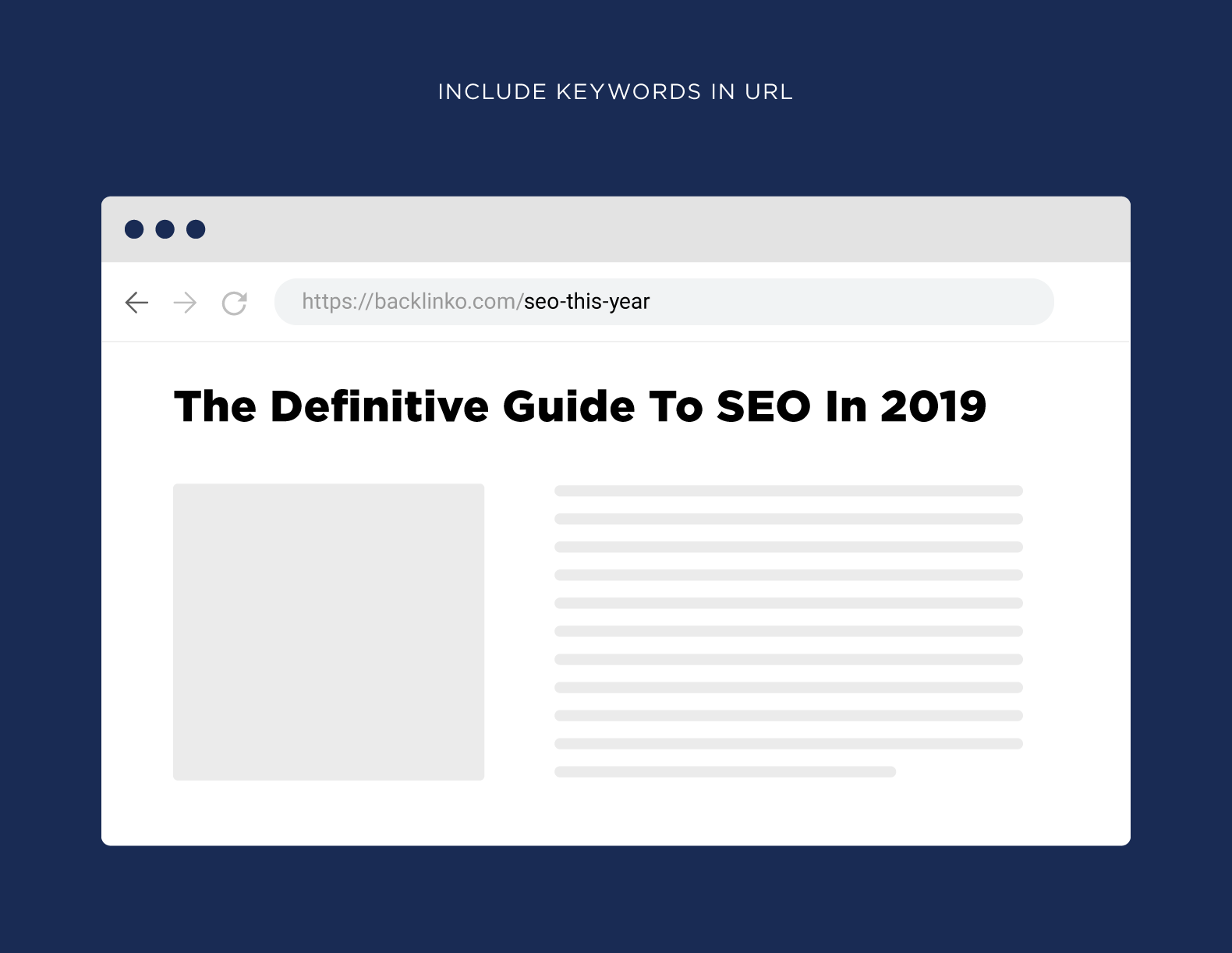
Google says that words in URLs should be understandable to people, not only to systems. The page address should help users understand where the document is located and what it is about.
For example, a blog post by Brian Dean that lists more than 150 SEO tools:
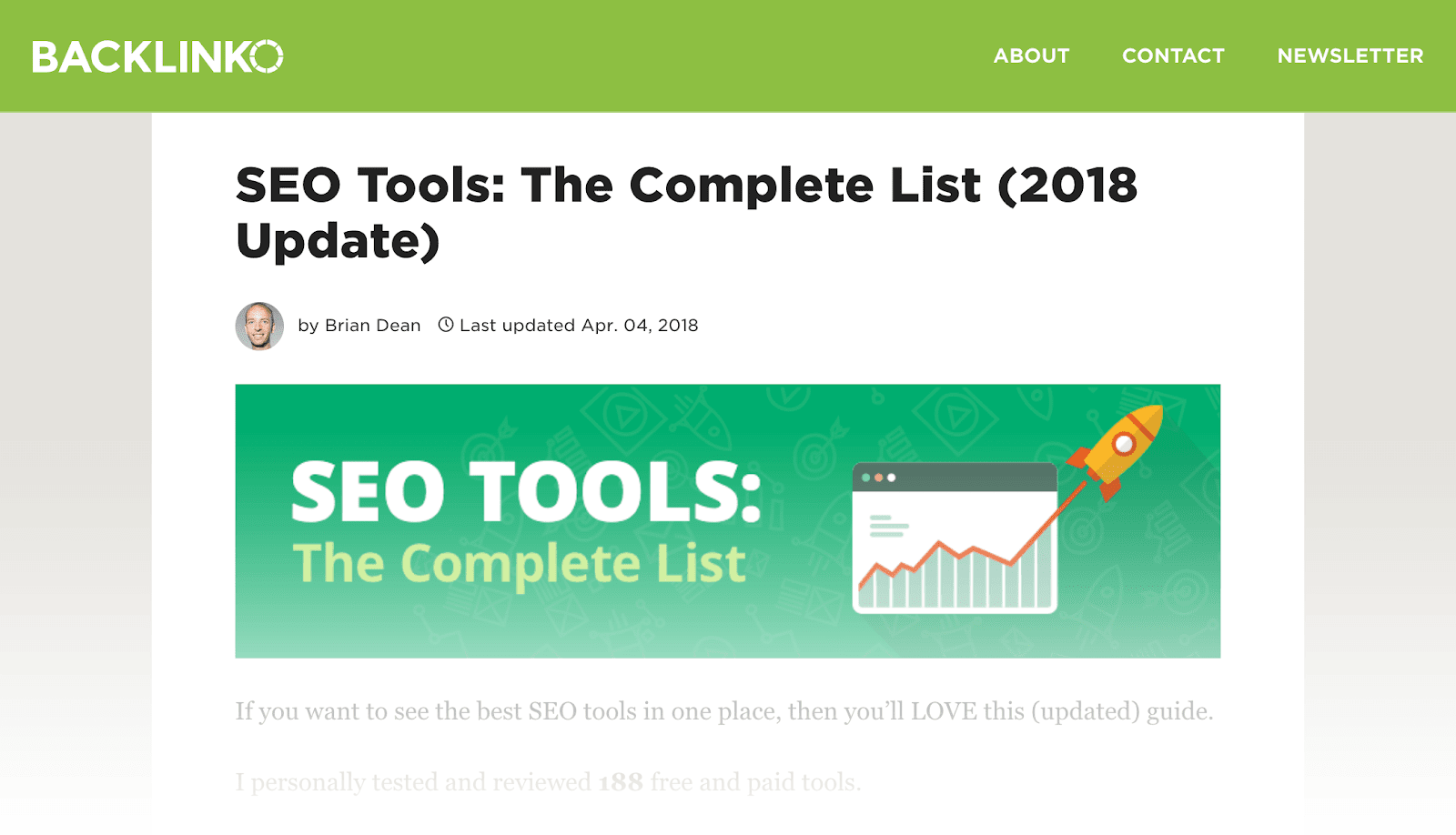
The target key phrase for this page is “SEO Tools,” and the URL contains it: “https://backlinko.com/seo-tools”.
Do not use hashes for the main content
Do not hide important content behind a fragment after the “#” symbol. An anchor in a URL, for example “https://www.example.com/office.html#mycontent”, is usually used to scroll to a specific place on the same page. If new text appears only because of the hash, the search engine may not see it as a separate page.
Search engines also ignore anchor fragments that scroll the browser to a specific place on the page, because the page content itself is the same.
Separate words with hyphens
Google recommends separating words with hyphens, not underscores or spaces. A hyphen is easier to read both for users and search engines.
For example, in the link “https://backlinko.com/seo-site-audit”, the hyphen tells search engines that “SEO,” “site,” and “audit” are three separate words.
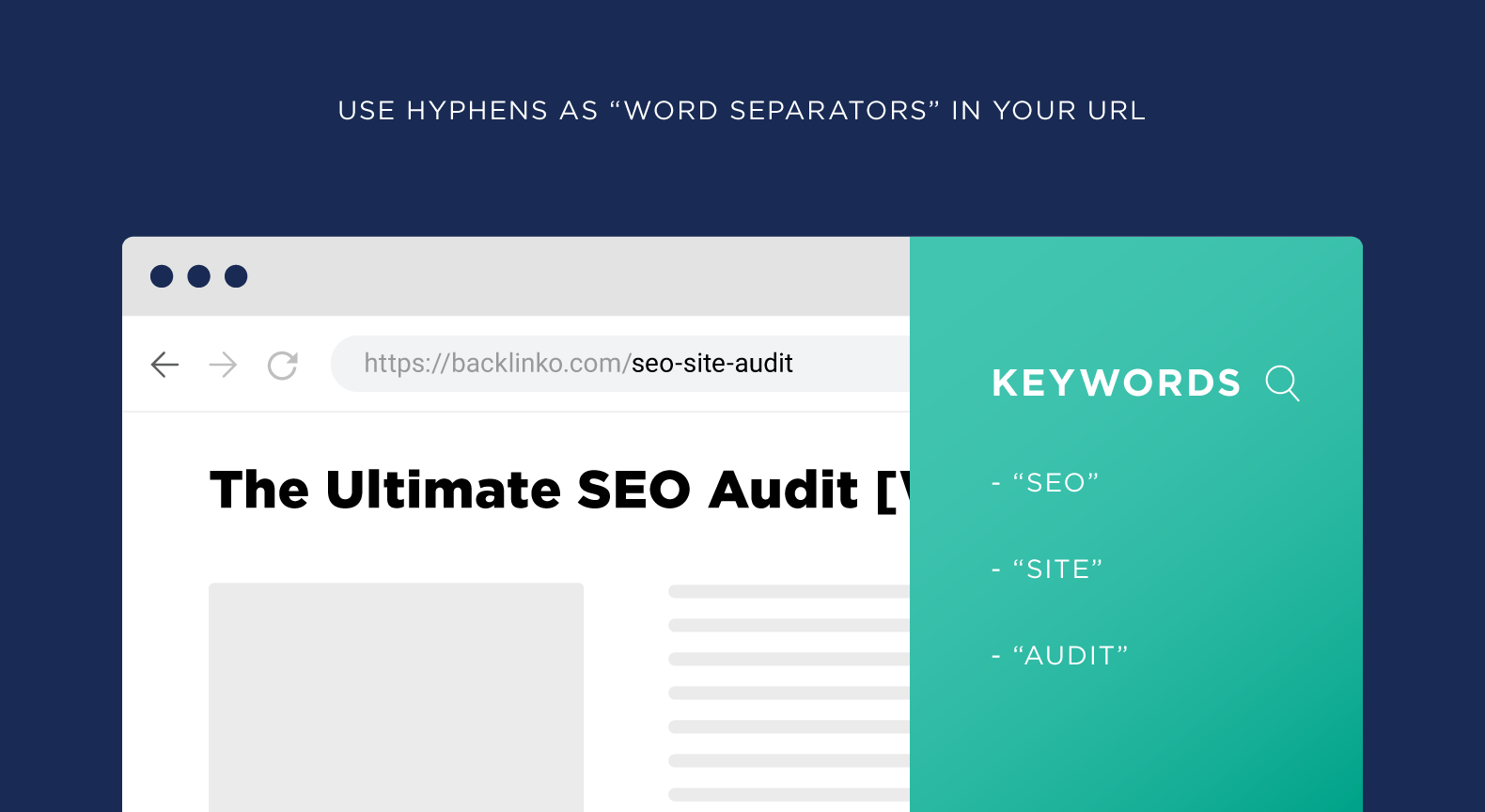
The URL “backlinko.com/seositeaudit” for the same article would be harder for search engines to interpret and less convenient for people to understand and read.
Make URLs short and clear
Brian Dean believes that long URLs confuse Google and other search engines, so they should be short. A short URL is easier to read, remember, and share with another person. Google does not promise a separate ranking bonus for URL length, but overly long URLs often contain unnecessary parameters, duplicates, and words that do not help clarify the page topic.
For example, this URL contains a lot of unnecessary information:
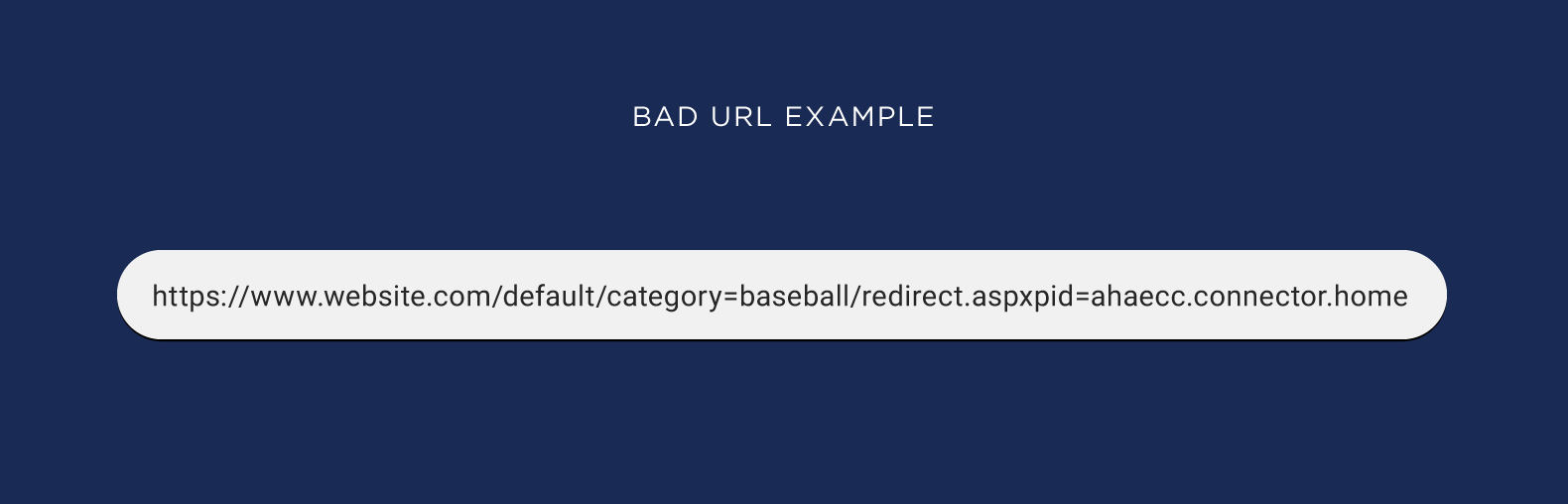
For Google, this page is about baseball, but based on the keywords, it also appears to be about redirects by default:
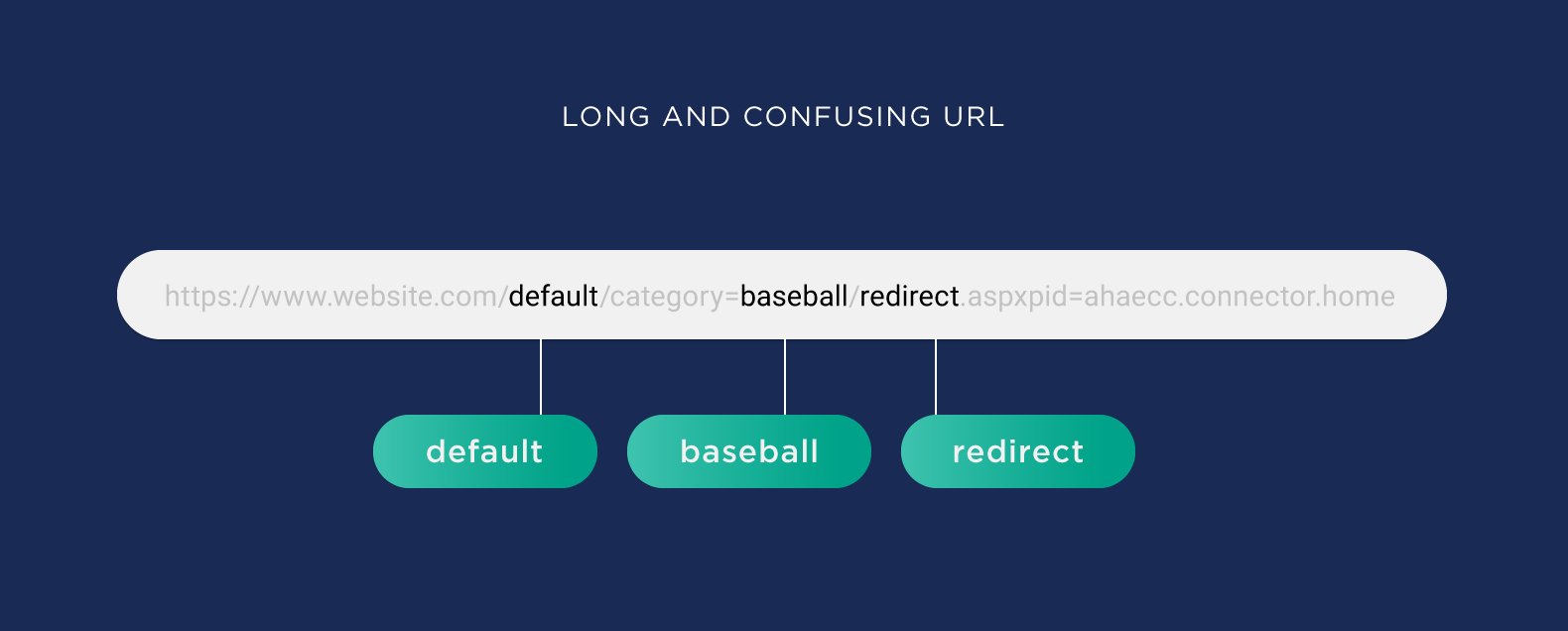
A shorter version looks better, and Google can easily identify the topic of this page:

A 2016 Backlinko study showed a correlation between short URLs and high rankings in Google. The study analyzed one million pages from Google search results. But it is worth remembering that a short URL is useful primarily as a sign of a clean structure, not as a standalone guarantee of growth.
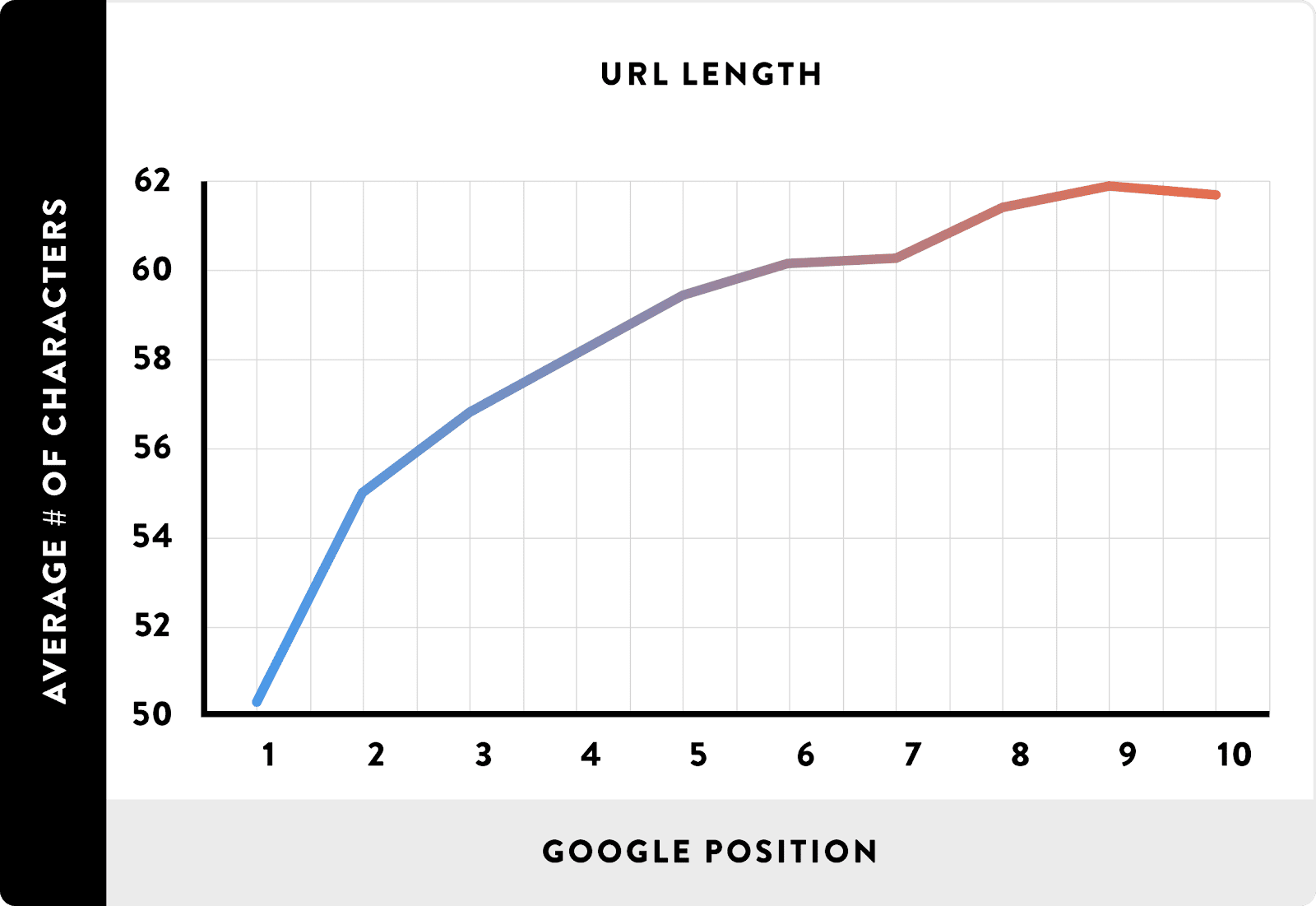
On the other hand, Google representatives have repeatedly clarified that the algorithm does not prioritize a page only because its URL is shorter. The search engine recommends simple addresses because they are more convenient for users and easier to maintain on the site.
Google’s guide says that overly complex URLs make crawling more difficult for the crawler. Dynamic document generation, item filtering, sorting, and referral links can lead to too many links being created for the same content.
For example, a hotel filter by price:
http://www.example.com/hotel-search-results.jsp?Ne=292&N=461
plus a filter for hotels on the beach:
http://www.example.com/hotel-search-results.jsp?Ne=292&N=461+4294967240
plus a filter for hotels with a fitness center:
http://www.example.com/hotel-search-results.jsp?Ne=292&N=461+4294967240+4294967270
For duplicates, use canonical tags, proper redirects, and indexing rules. robots.txt is suitable for blocking clearly useless parameter combinations, but it does not replace a canonical URL. If you block a page from crawling, the search engine may not see the canonical tag.
Use Clickable URLs
The appearance of a URL affects whether a user decides to click through to a website from search results or from a link in a messenger. Titles and descriptions are important for CTR, but a clear address strengthens trust in the snippet.
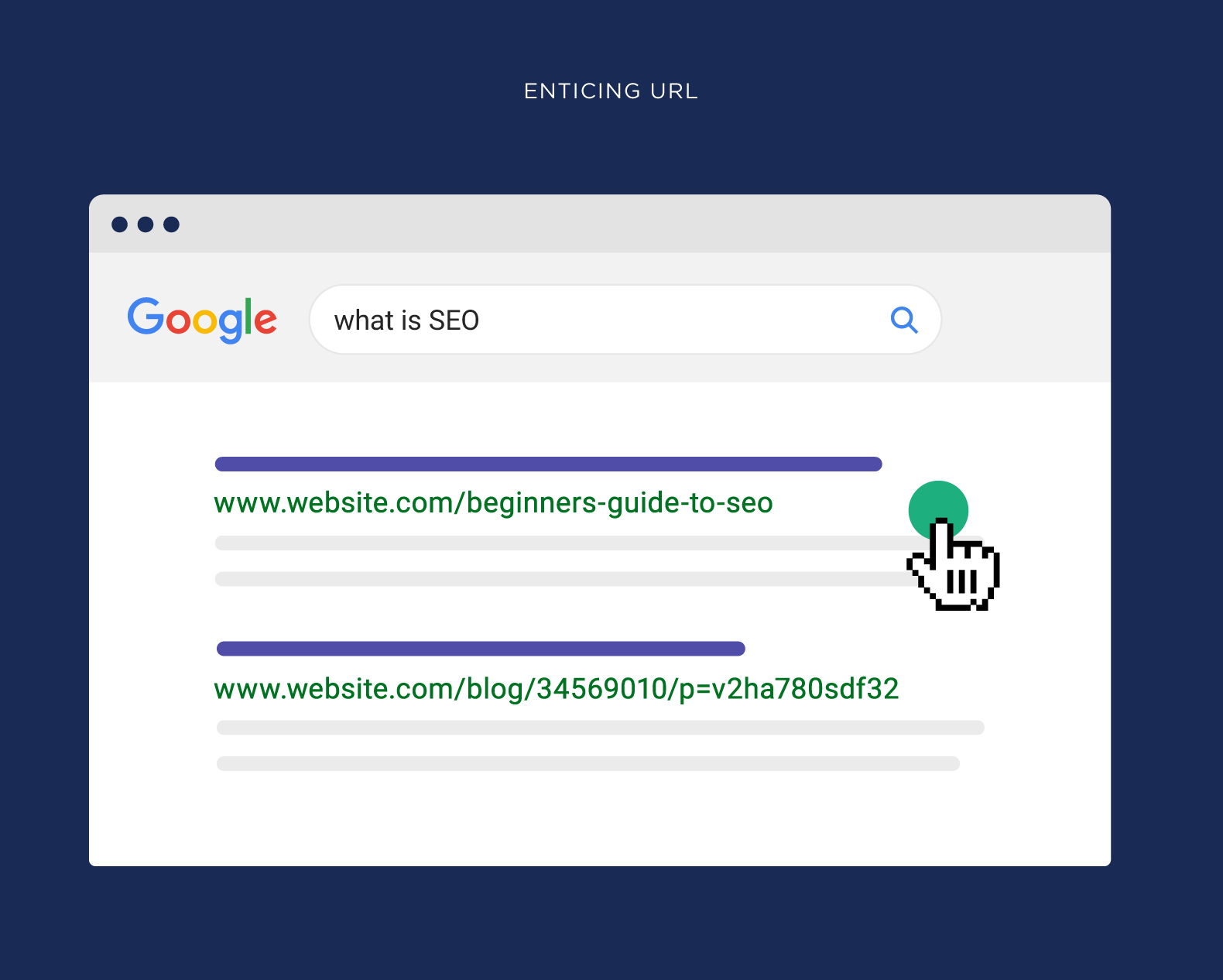
Some users look at the URL to understand where the link will take them. If the URL looks like this, they won’t know which page they’ll land on, so they’ll click less often:

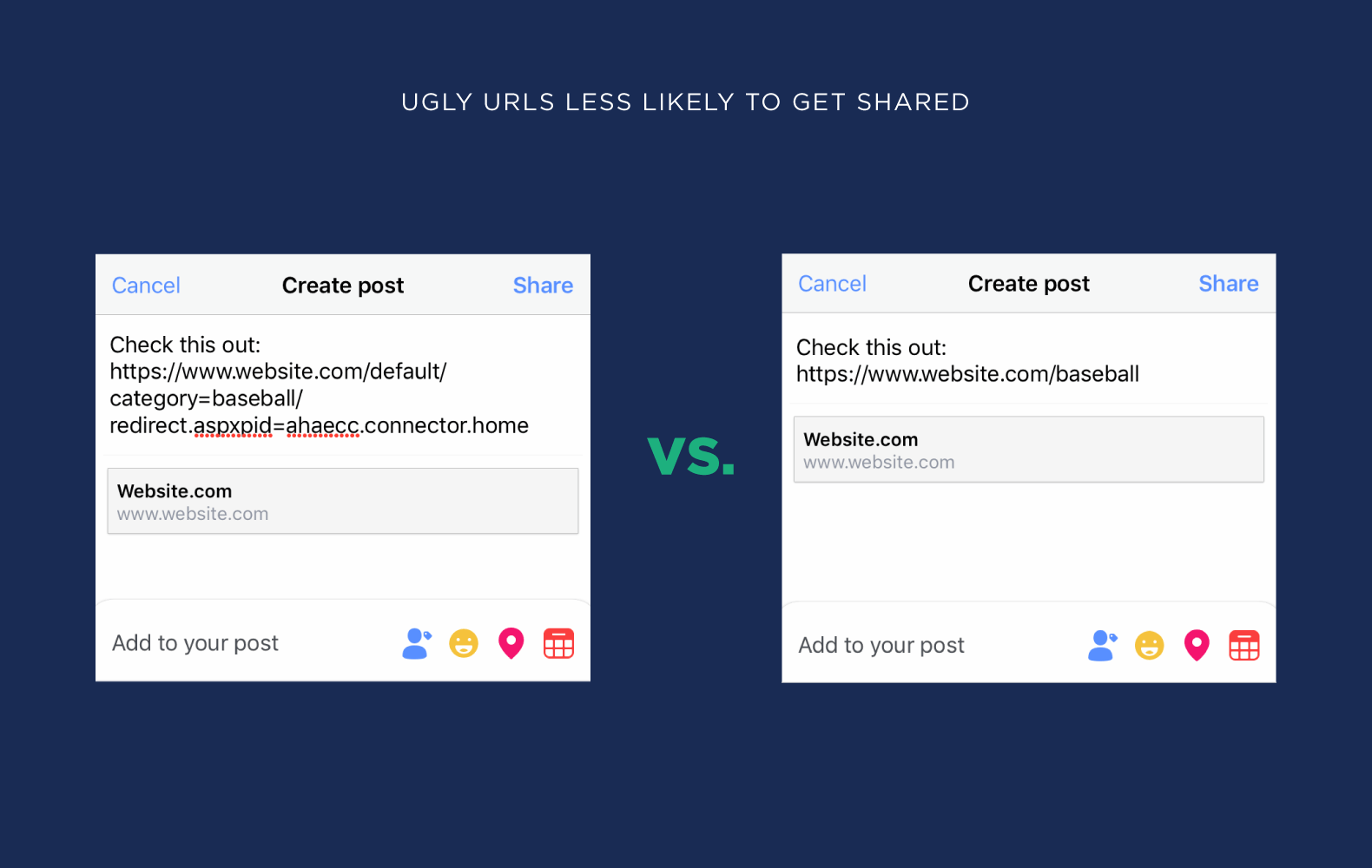
This applies not only to Google search results. “Ugly” URLs are clicked less often on social networks and in online communities, and they are shared less frequently.
Follow the recommendations for snippets and URLs, and you’ll get a snippet that users will want to click on.
Use Lowercase Letters
The host and protocol are not case-sensitive, but on some servers, the path after the domain is sensitive to uppercase and lowercase letters. Because of this, such URLs can become different pages:
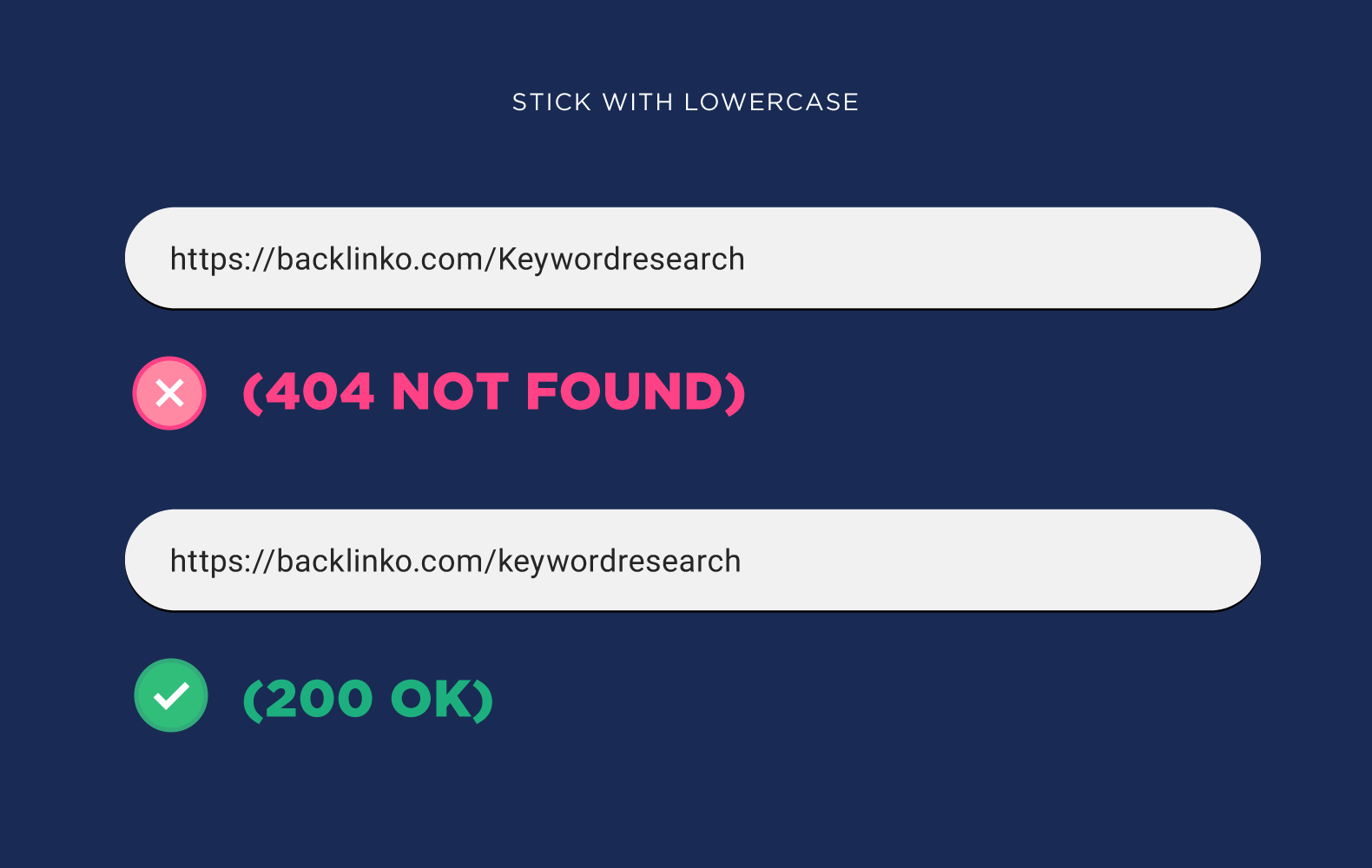
So, just to be safe, use only lowercase letters in URLs.
Avoid Using Dates
Some CMS platforms automatically include dates in URLs. For example, WordPress used to do this:

Dates in URLs are still found in blogs, news sites, and older CMS settings. For news articles, this is acceptable, but for evergreen pages, guides, and commercial sections, dates usually get in the way. There are two reasons:
Dates make URLs longer.
For example, this URL contains a four-word keyword and a date — 43 characters in total:
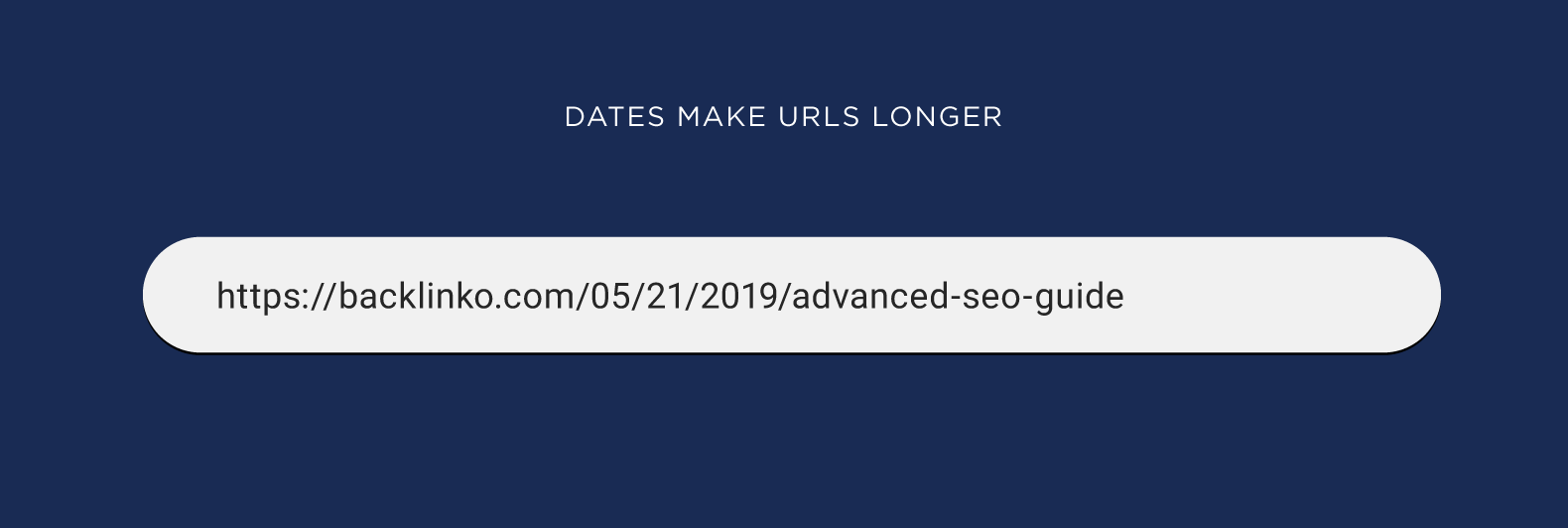
Without the date, the URL length is reduced to 32 characters:

Dates make content updates more difficult.
Let’s say you published an annual roundup of the best iPhone apps and included the year in the URL:
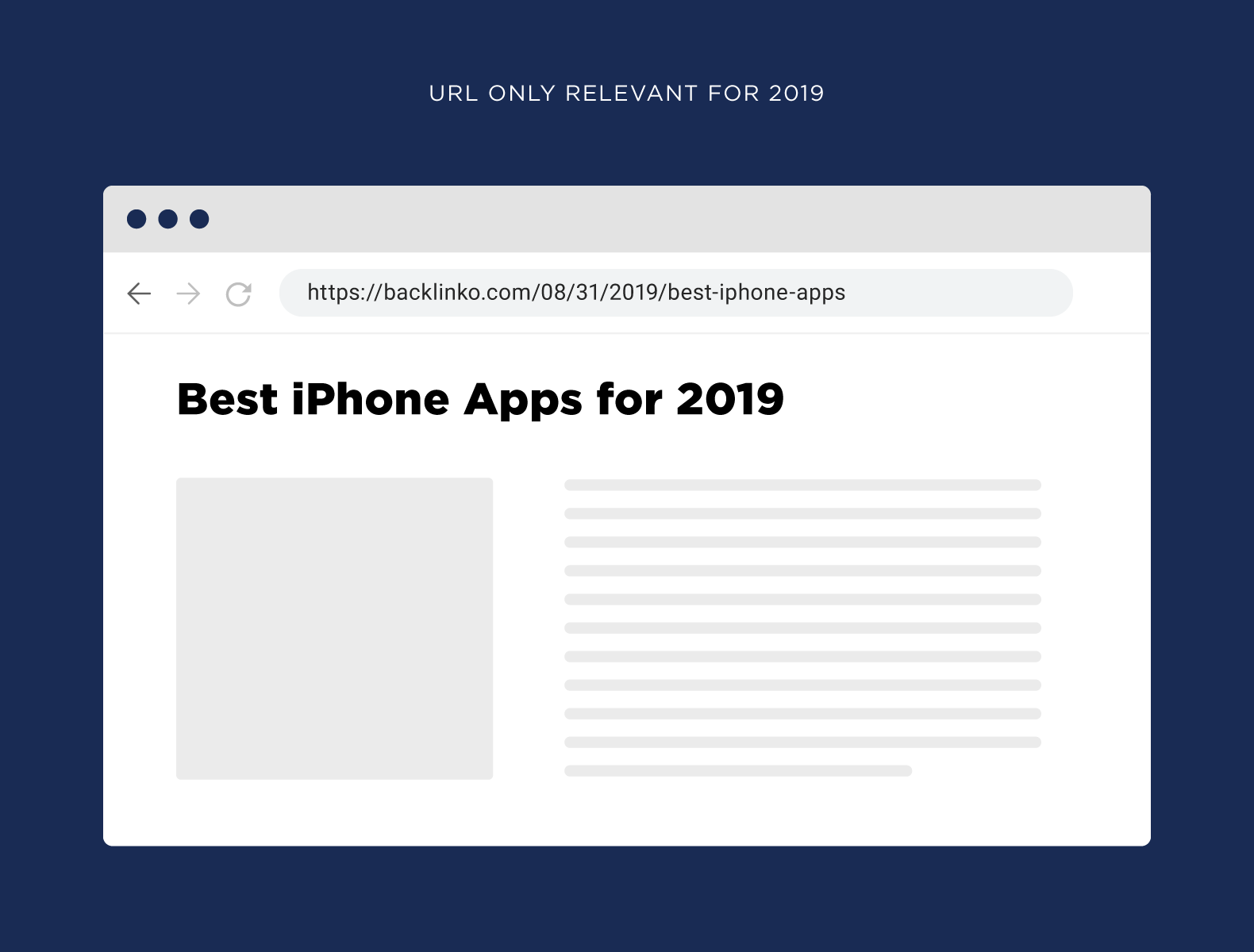
A year later, you update the page, but the old date remains in the address:
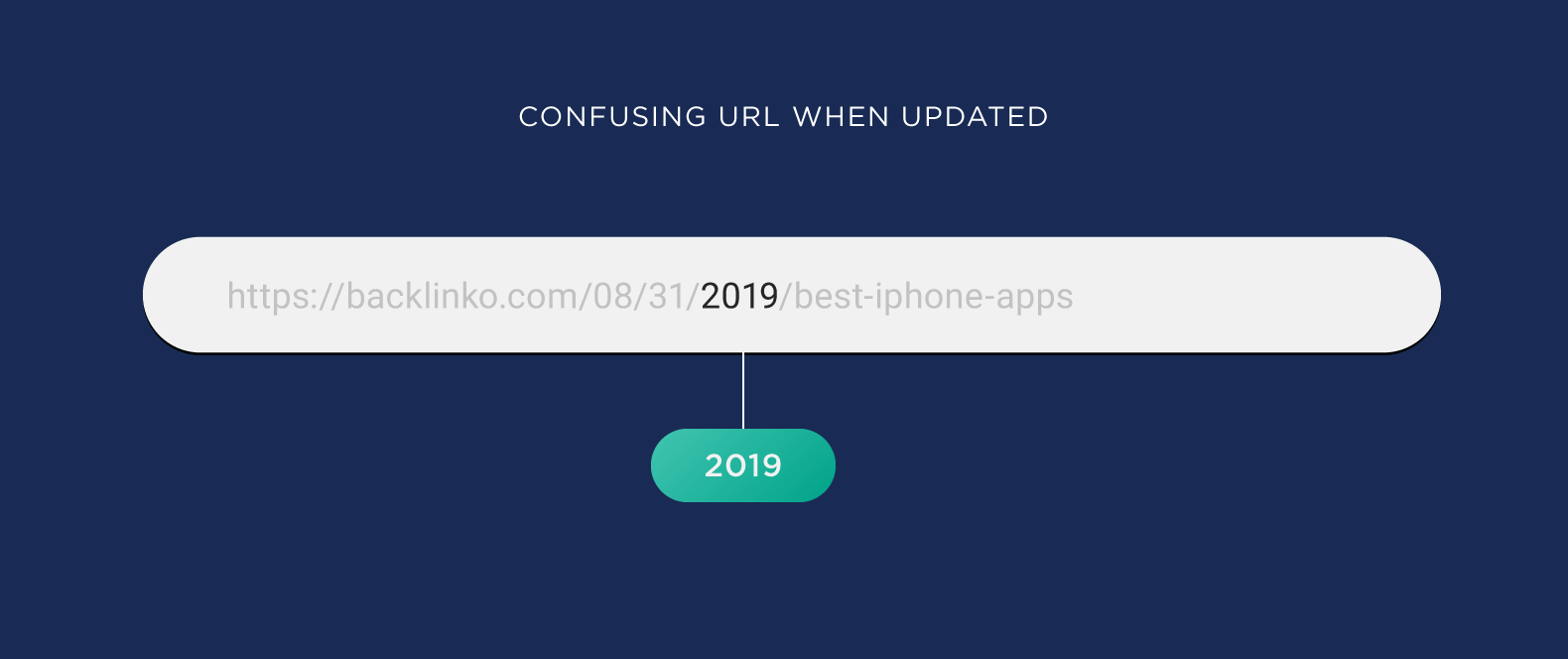
If you add a new roundup to the article, you’ll have to change the URL. You can leave the old date, but that will confuse users. You can set up a 301 redirect, but regularly changing URLs with every update is inconvenient and risky. It’s easier not to include the year in the permanent URL from the start.
Organize Navigation
Google emphasizes that navigation helps visitors quickly find the content they need, and helps search engines understand which pages the site owner considers important. Through section structure and internal links, you can manage a page’s link equity.
A hub page works well for grouping articles on the same topic. In his blog, Brian published a “YouTube Marketing Hub”:
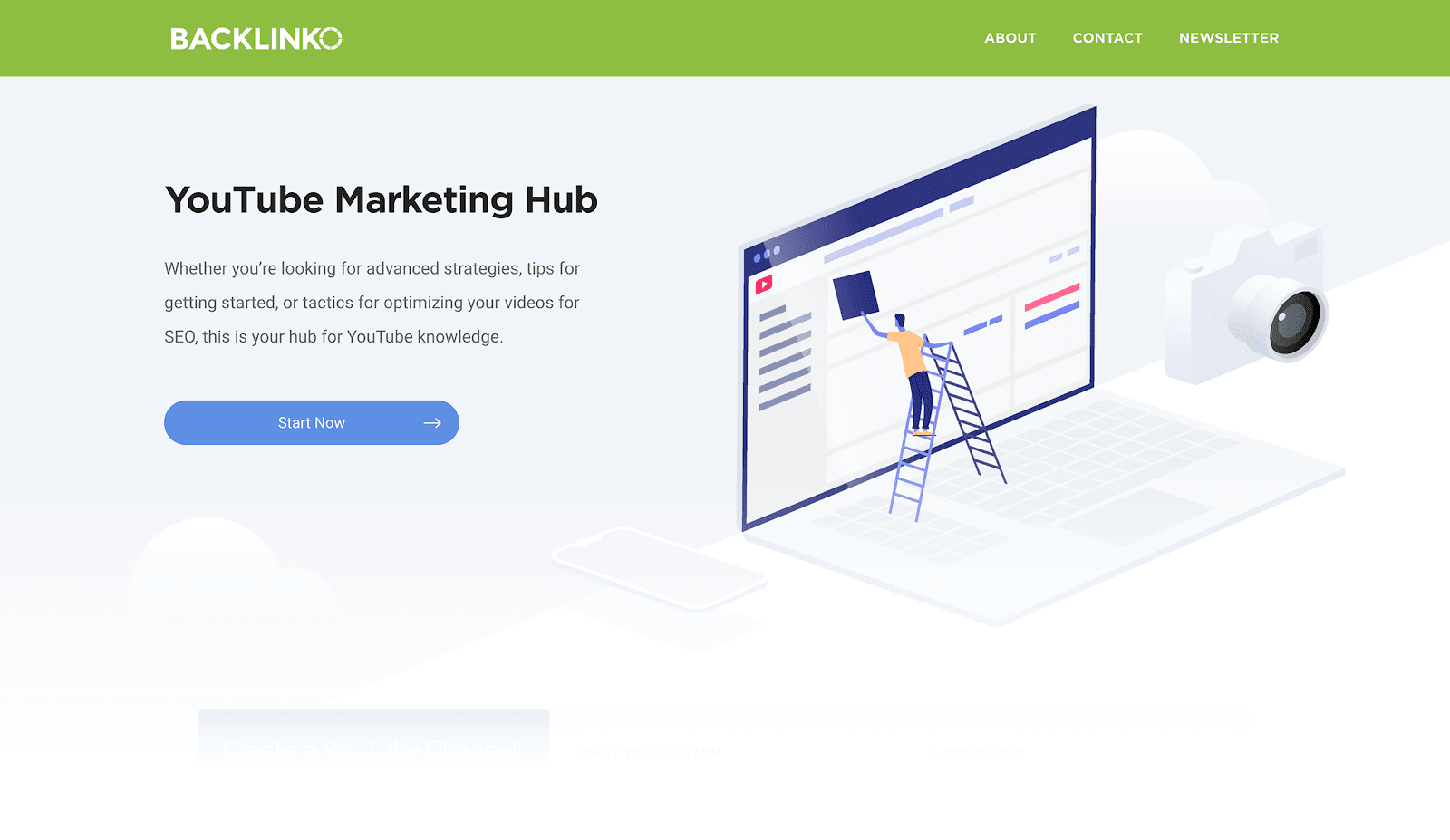
The hub contains articles about YouTube promotion, organized by thematic categories. For the convenience of users and search engine crawlers, the pages have a well-organized URL structure.
Any URL with /hub signals that the site has a hub page — https://backlinko.com/hub/youtube. The word or phrase after /hub shows that the user is on a page inside the hub — https://backlinko.com/hub/youtube/create-channel.
When structuring URLs, it’s important not to overdo it: too many folders make navigation more complicated and can increase the number of clicks from the homepage to the page. The farther a page is from the homepage in terms of clicks, the less important it may appear to a crawler bot.
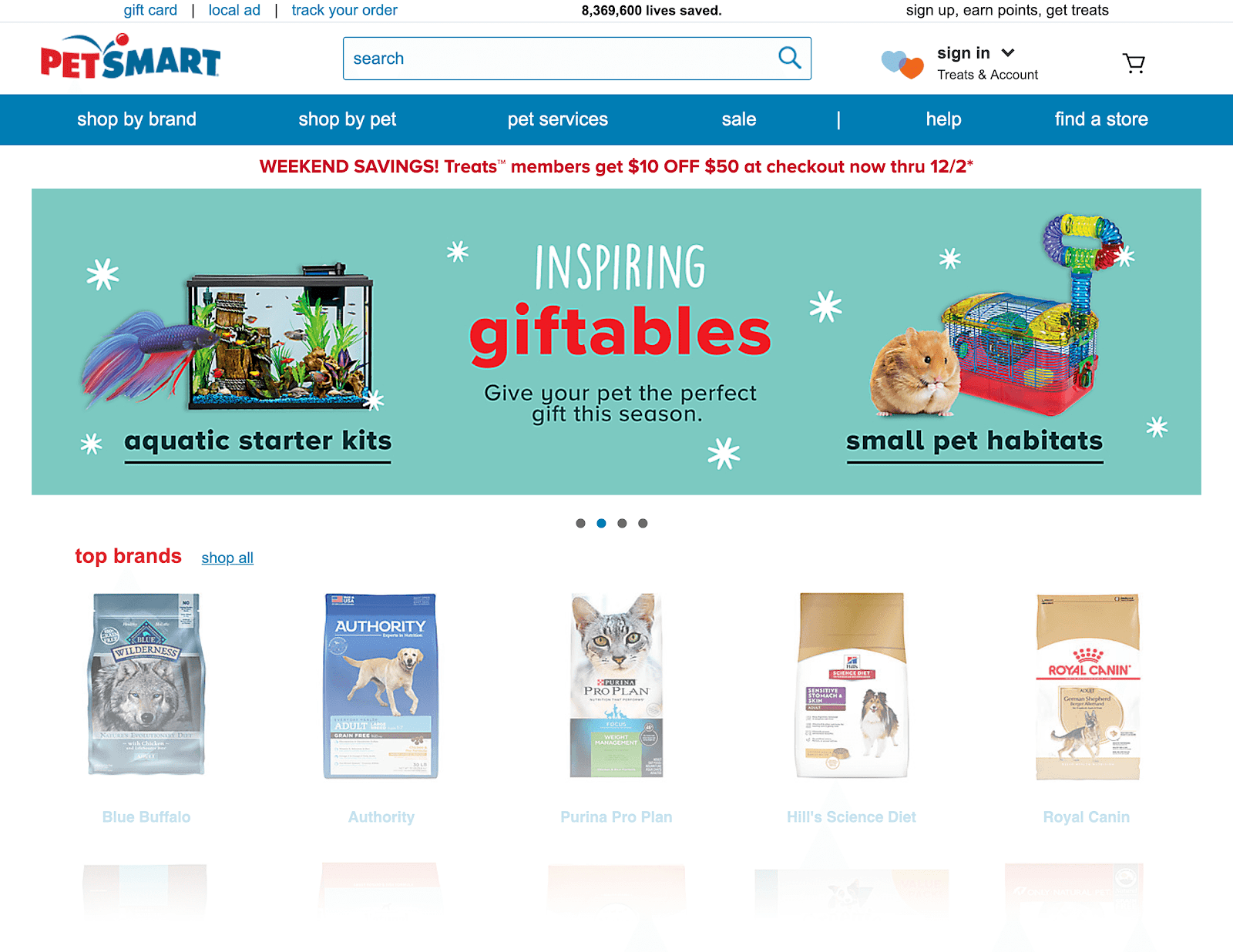
Large online stores usually use navigation based on the pattern “Category” → “Subcategory” → “Product.” This structure helps users navigate the catalog and helps search engines understand page hierarchy and the relationships between sections.
Don’t Copy the Entire Page Title into the URL
Brian does not recommend using the full page title as the URL text. For one article, he configured WordPress so that blog post titles were automatically inserted into the address:
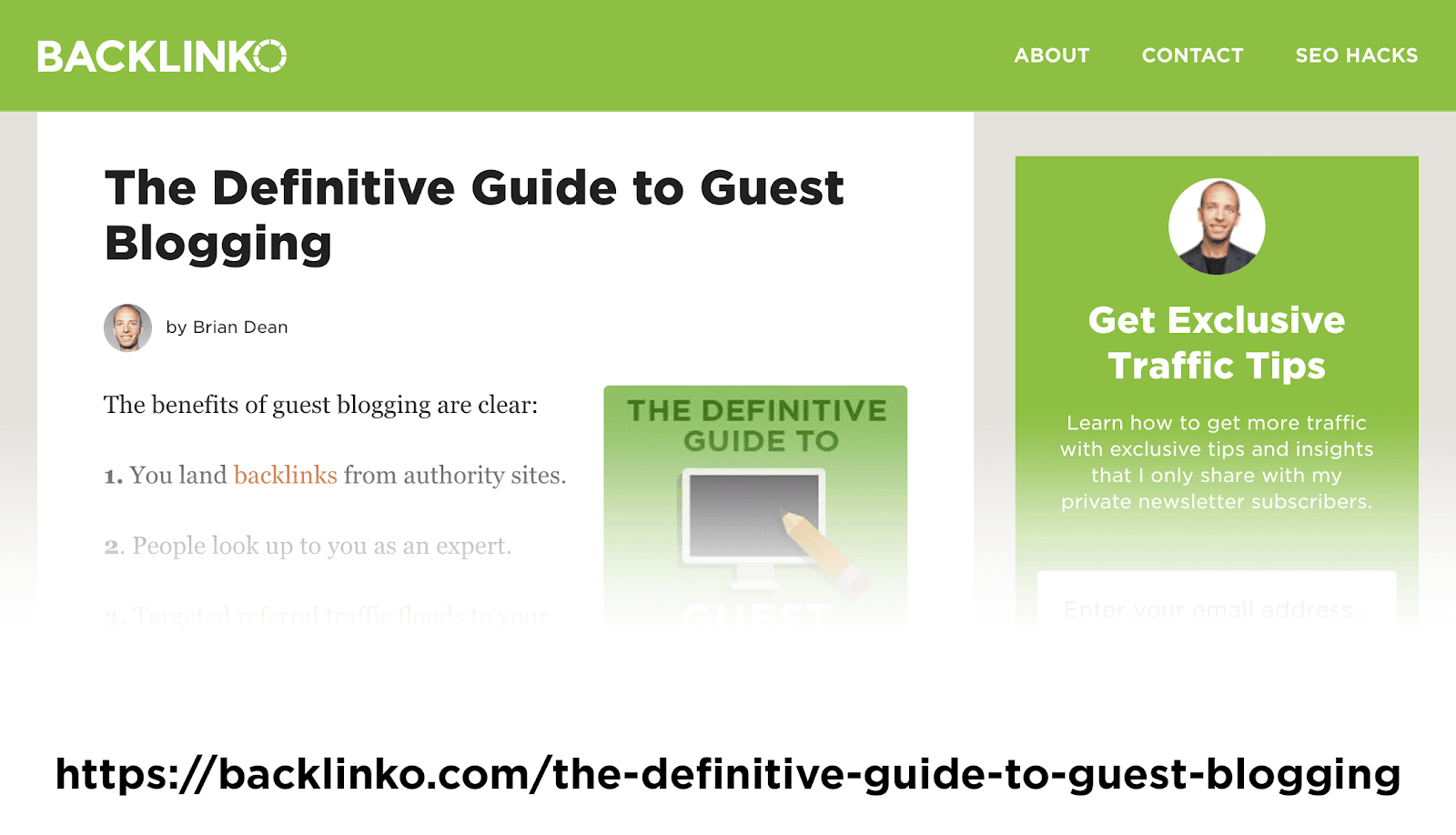
As with dates, this makes the URL longer. If you change the title, test different wording, or update the material, the address will quickly become outdated.
For example, if you edit the article from the previous screenshot and turn it into a case study or a roundup, the URL will no longer accurately describe the page. It’s better to use a short slug in the address with the target keyword and one or two clarifying words.
Remove unnecessary dynamic parameters from URLs
Links with dynamic parameters, such as UTM tags, filters, and sorting options, can cause issues from a URL optimization perspective:
- dynamic parameters make URLs longer;
- dynamic URLs look strange to users, which can hurt organic CTR;
- if a search engine indexes different versions of the same URL, Google may detect duplicate content issues;
- long dynamic URLs get cut off in search interfaces, analytics tools, and messengers.

This is especially important for online stores and catalogs: filters by price, color, size, availability, and brand can generate thousands of URLs. Useful landing pages should be opened for indexing and added to the sitemap, while technical combinations should be closed from indexing or pointed to a canonical URL.
Keep UTM tags for advertising campaigns and analytics, but don’t use such links in internal linking. Within the site, it’s better to link to a clean URL without service parameters.
Choose subfolders if there’s no reason to move a section to a subdomain
For most content sections and blogs, subfolders are easier to maintain than subdomains. A subdomain may be perceived as a separate part of the project, so for an SEO audit you have to check indexing, internal links, analytics, and technical settings separately:
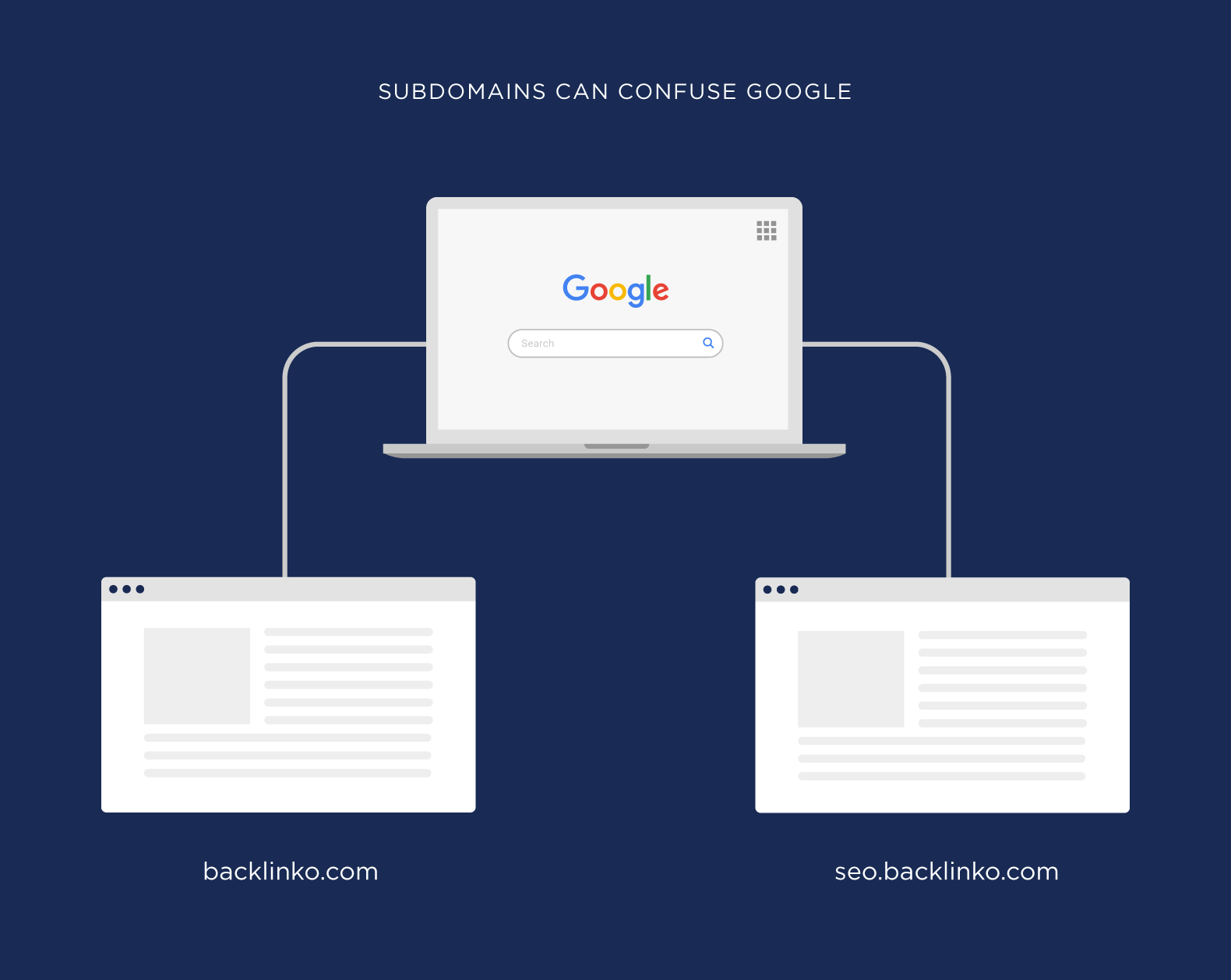
But when you move this section into a subfolder, Google understands that it is part of your main site:
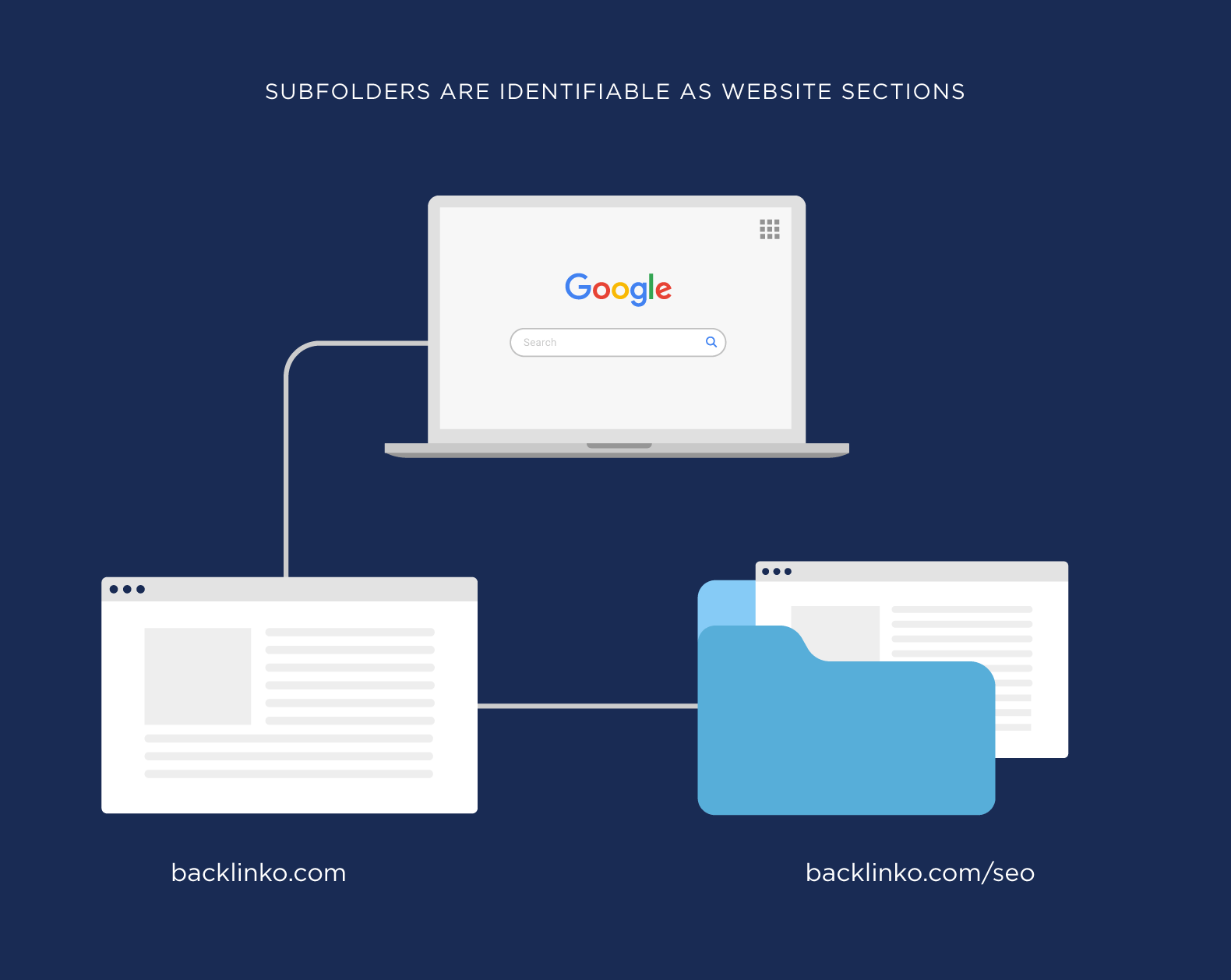
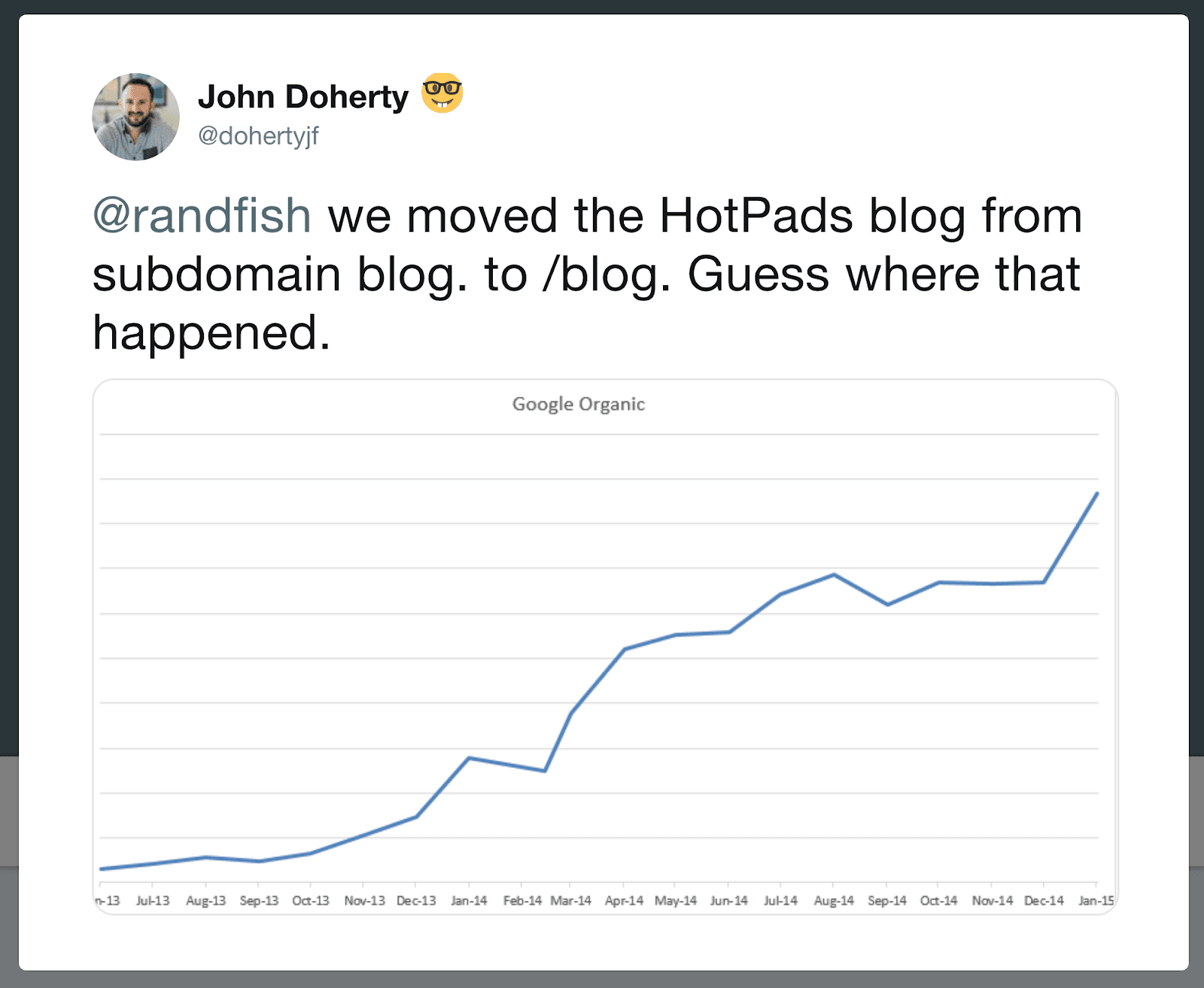
Google states that it treats subdirectories and subdomains equally, but webmaster experience suggests that subfolders are usually better for SEO. One webmaster moved a site section from a subdomain to a subfolder and then saw an increase in organic traffic:
Google recommends keeping URL structure simple and follows this advice in its own projects.
Check URLs together with the mobile version and loading speed
A URL by itself does not make a page faster, but the structure of URLs affects crawling, caching, and how convenient the site is to use. On mobile devices, long links with parameters are especially noticeable: they are hard to copy, harder to read, and more often get cut off. Check URLs together with Core Web Vitals, responsive layout, redirects, and the correct delivery of the mobile version.
Optimize URLs with the help of artificial intelligence
Modern search engines actively use AI to analyze content and website structure. Optimizing URLs with AI algorithms in mind can improve page visibility in search results. This includes creating a logical URL hierarchy that reflects the site structure and makes indexing easier.
FAQ Section
What is considered an SEO-friendly URL?
A short, readable URL without unnecessary parameters, with a keyword that matches the page meaning and a stable section structure.
How can you avoid keyword stuffing in URLs?
Don’t repeat keywords. For a slug, one main phrase is usually enough: /optimizaciya-url/ is better than /seo-url-optimizaciya-url-prodvizhenie/.
To summarize, these principles help optimize URLs for SEO without keyword stuffing:
- Add a keyword to the slug without repetitions.
- Don’t use hashes for main content.
- Separate words with hyphens.
- Keep URLs short and clear.
- Write URLs in lowercase.
- Don’t add dates to evergreen content.
- Organize navigation and internal linking.
- Use HTTPS.
- Don’t copy the full page title into the URL.
- Remove unnecessary dynamic parameters.
- Choose subfolders if there’s no reason to move a section to a subdomain.
- Check URLs together with the mobile version and loading speed.
- Use AI as an assistant.