
Why You Get Lots of Impressions but Few Clicks: 4 Reasons for Impressions Without Clicks in Google Search Console
What affects impressions in the GSC Performance report? We explain why Google Search Console may show many impressions but few clicks, and which Google Search features increase impressions without generating clicks.
Brief Summary
If Google Search Console shows a lot of impressions but few clicks, the problem is not always your snippet, title, or ranking position. Impressions can come from search features that users rarely click on, including sitelinks, images, knowledge panels, AI Overviews, and other SERP features.
In this article, we’ll explain how Google Search Console counts impressions, where to look for these cases, and when a low CTR is normal rather than a sign that you urgently need to redesign or rewrite the page.
Who should read this: SEO specialists, website owners, editors, digital marketers, and anyone who analyzes the Performance report in Google Search Console and wants to understand why GSC impressions are growing while clicks and CTR are not.
A common situation is when sudden spikes in impressions appear in the Google Search Console Performance report while the number of clicks remains minimal. A webmaster may assume that there is an error in Search Console or that the link does not look clickable and start trying to fix the situation. But that may not be the reason.
In fact, Google Search Console is working exactly as intended. Let’s look at what can increase impressions.
How Google Search Console Counts Impressions
Google’s documentation provides the following definition: “An impression means that a user has seen, or potentially seen, a link to your site in Search, Discover, or News.”
Impressions in the GSC Performance report for Search results are not counted only for standard blue links in organic search. The SERP also contains other elements with links, and their appearances count as impressions as well. However, users are much less likely to click on these elements, which is why they can generate high impression counts with very few clicks.
The main source of confusion for SEO specialists is that it is impossible to see exactly how a particular link appeared in search results.
The Search appearance filter in Search Console includes various result types and lets you view statistics for some SERP features. For example, the list may include FAQ rich results, product results, review snippets, and Web Stories. Below, we’ll examine situations that are not shown separately in this report.
FAQ Section
Why are GSC impressions growing faster than clicks?
Because the statistics include not only standard organic links but also other search elements, such as images, sitelinks, knowledge panels, and certain interactive blocks.
Can GSC show exactly which search feature generated an impression?
Some formats are visible under Search appearance, but many types of impressions are not listed separately.
Is a low CTR in Google Search Console always a problem?
No. If a URL appeared in a format that users rarely click, a low CTR may be normal rather than a sign of a poor title or description.
Why You Get Lots of Impressions but No Clicks: 4 Reasons in GSC
Here are four elements that affect impressions but generate almost no clicks.
1. Additional Internal Links in the SERP
The most common situation is when, for certain queries, additional links to related content appear alongside the main search result. This often happens with catalog subcategories on e-commerce websites. Every time these links appear in the search results together with the main result, they receive an additional impression.
Brand queries often display a main link accompanied by a list of other URLs. This can significantly affect impression counts if the brand name is frequently used in search queries.
FAQ Section
Why does a page receive impressions for a query that is not relevant to it?
It may have appeared as a sitelink next to the main result. In this case, an impression is counted even if users click the main URL instead.
Can pages be optimized specifically for sitelinks?
You cannot control sitelinks directly, but a clear website structure, logical internal linking, descriptive anchor text, and strong brand signals can help.
2. Images in the Main Search Results
For some queries, images appear not only in the Images tab but also in the main SERP. Images included in these blocks will generate impressions, while the number of clicks will most likely remain low.
Images appearing in the main search results affect the Performance report under the Web search type filter — not only under the Image search type, which is intended for data from Google’s Images tab.
FAQ Section
Why are image impressions counted under the “Web” search type rather than only under “Image”?
Because an image may appear in Google’s standard search results, not just in the Images tab.
Should the CTR of these URLs be evaluated according to the usual standards?
No. The mechanics of image blocks in the main search results often lead to a naturally lower CTR.
What helps images appear in search results more often?
High-quality, unique images, relevant alt text, descriptive file names, a clear connection to the page’s topic, and technical accessibility for indexing.
3. Images in Knowledge Panels
Knowledge panels are enhanced search features containing images and text. They usually explain what — or who — the user is searching for.
Images in knowledge panels can also cause spikes in impressions. As in the previous case, all image impressions — or, more precisely, impressions for the URL where the image is hosted — are collected in the GSC Performance report.
Knowledge panels have a very low CTR because users often get the answer they need directly in the search results and, in most cases, do not need to visit the website. This can confuse website owners if they do not understand where the visibility is coming from.
FAQ Section
Why does a knowledge panel generate many impressions but almost no clicks?
Users often get the answer directly in the search results and do not visit the website.
Should this be considered lost traffic?
No. Sometimes it is simply an informational query with little or no need for the user to click through to a website.
4. Links in Tweet Carousels
Links in tweet carousels are probably the most difficult source of impressions to identify, especially because they generate very few — or even zero — clicks.
For some queries, such as branded searches for a company that is active on X, a tweet carousel may appear in the search results. If the tweets visible in the carousel contain a link, that link may receive impressions that are then recorded in GSC.
If a company shares a link in a tweet and a user sees the tweet carousel in the search results and clicks that link directly from the SERP, Google Search Console will record both an impression and a click.
However, users rarely click links inside tweets displayed in search results, so most of these impressions will not generate clicks. Overall, though, this situation is uncommon because tweet carousels do not appear very often.
Impressions Without Clicks in GSC: New Reasons
Over the past few years, new reasons have emerged for impressions without clicks in GSC.
1. AI-Powered Search Features and AI Overviews
In May 2024, Google began rolling out AI Overviews generated by artificial intelligence. These features provide users with answers directly in the search results, reducing the need to visit websites. As a result, impressions may increase without a corresponding rise in clicks.
2. AI Chatbots and Voice Assistants
As AI chatbots and voice assistants become more popular, users increasingly receive answers without having to click any links. This can also contribute to more impressions without clicks, as users get the information they need directly in the search interface or through voice commands.
What you can do:
- Create content optimized for AI Overviews and other enhanced search features.
- Adjust your SEO strategy to account for the fact that users can now satisfy their needs without visiting websites.
Spikes in impressions without clicks in Google Search Console can be confusing if you are unaware of how certain SERP features affect impression counts. We have covered four situations in which this impact may not be obvious.
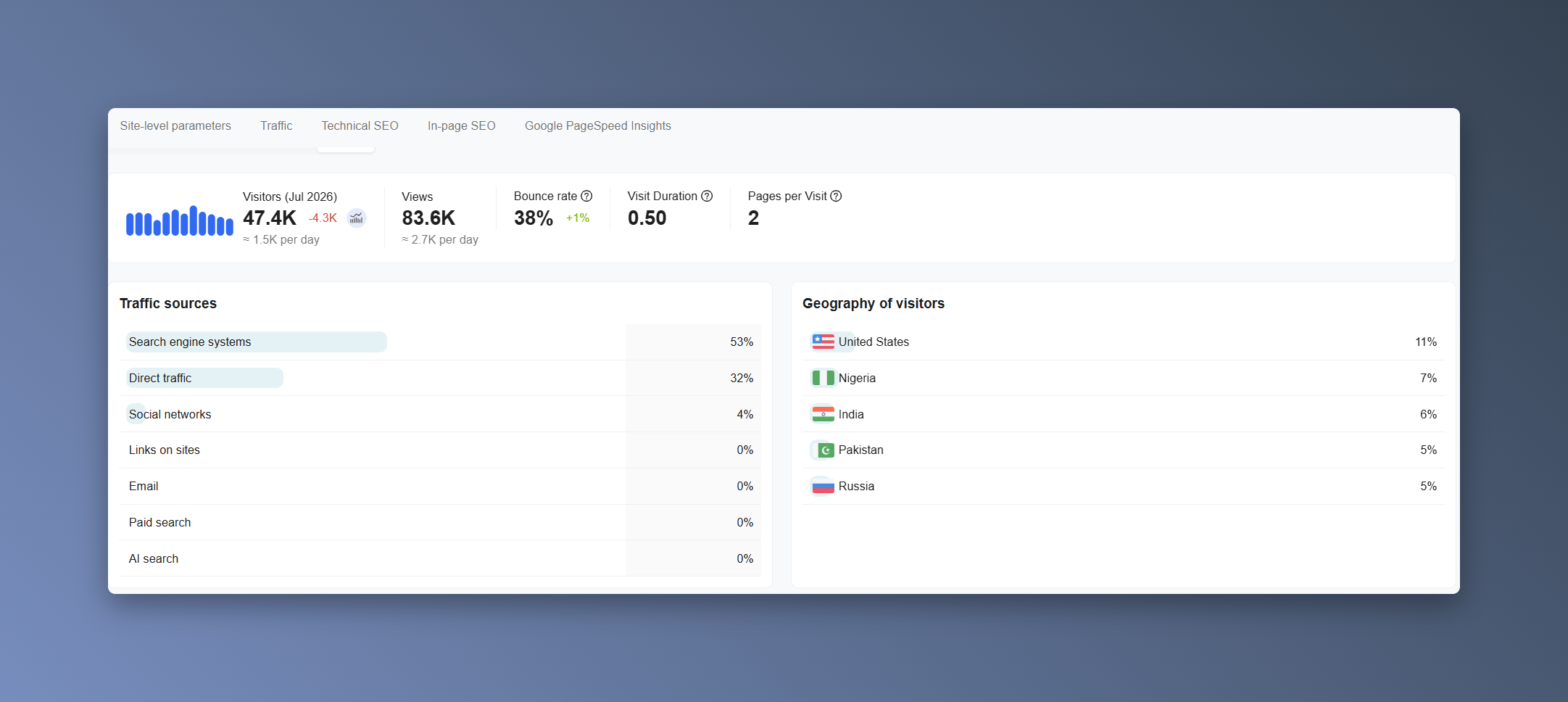
You can use our website to check your site’s overall health, including traffic, backlink profile, speed, technical parameters, and other metrics. By connecting Analytics, you can view all this data in one interface.